->60min->90min->120min->
180min->240min
Time Zone Time Zone adjustment
DST Off/On
The daylight saving time setting
page
Rest Yes or No User reset
TTS
Enable On/Off Set TTS Enable or Disable
Verbosity Low->High TTS Verbosity adjustment
Rate Support Slow->Middle->Fast TTS Rate Support adjustment
Pitch
Support
Low->Middle->High TTS Pitch Support adjustment
Speaker Betty Say->Anita Say TTS Speaker adjustment
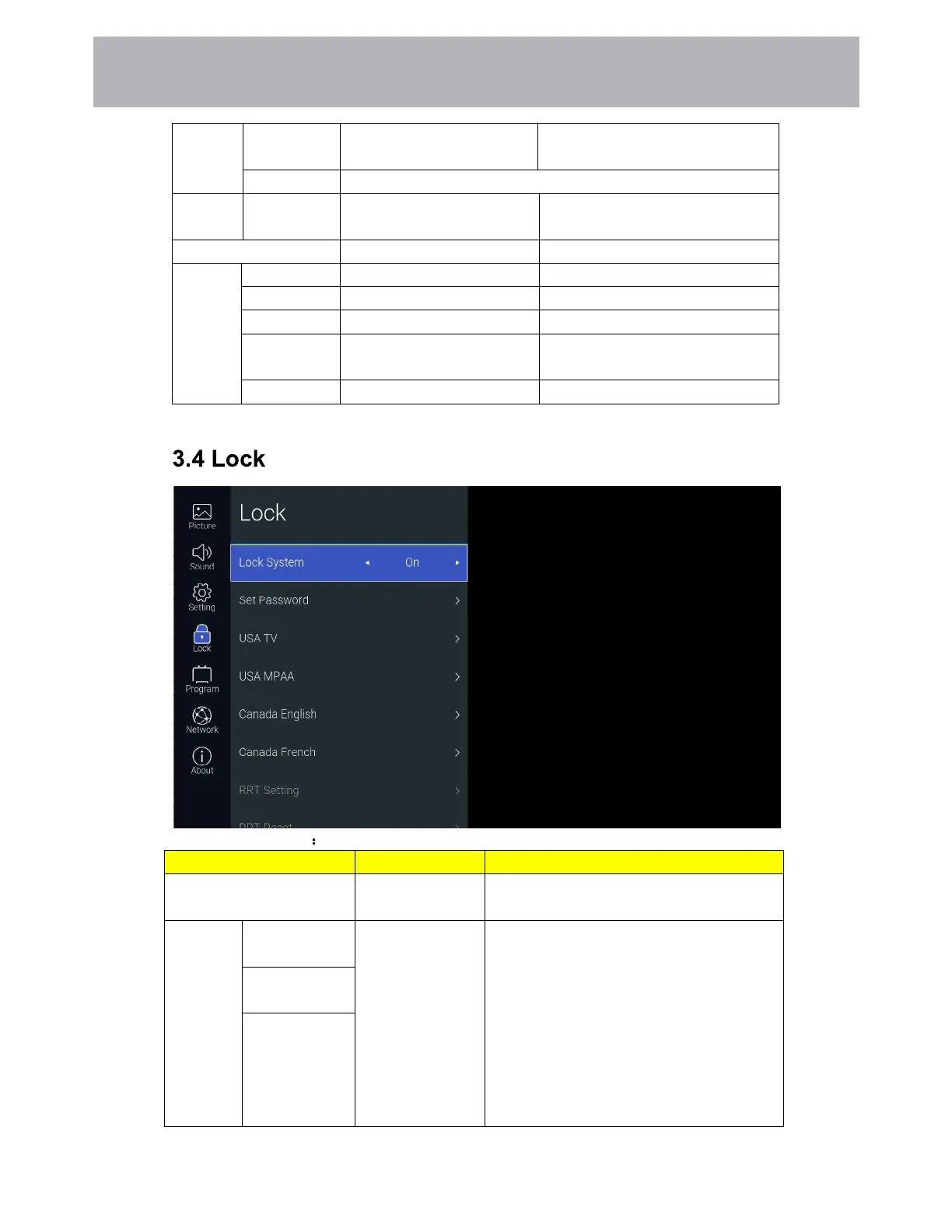
Function Description
Items Adjustable mode Directions
Lock System On/Off
Control Set Password, USA and Canada Tv
Rating Switch
Set
Password
Please Enter
Old Password
Default password
“0000”
Set the system password. Press the [number]
button on the remote control to set the new
system password. Please enter the password
before and after the New Password and
Confirm New Password. The inconsistency
will indicate that the Password not match
setting fails. After the setting is successful, it
will automatically return to the previous
layer.
Please Enter
New Password
Confirm New
Password
24
Customizing TV Settings



 To Next Page