EasyManua.ls Logo

BEA LZR-H100 - User Manual

BEA LZR-H100
16 pages
Print Icon
To Next Page IconTo Next Page
Loading...
75.5984.01 LZR-H100 20181221 Page 1 of 175.5984.01 LZR-H100 20181221 Page 1 of 1
LZR
®
-H100
EN
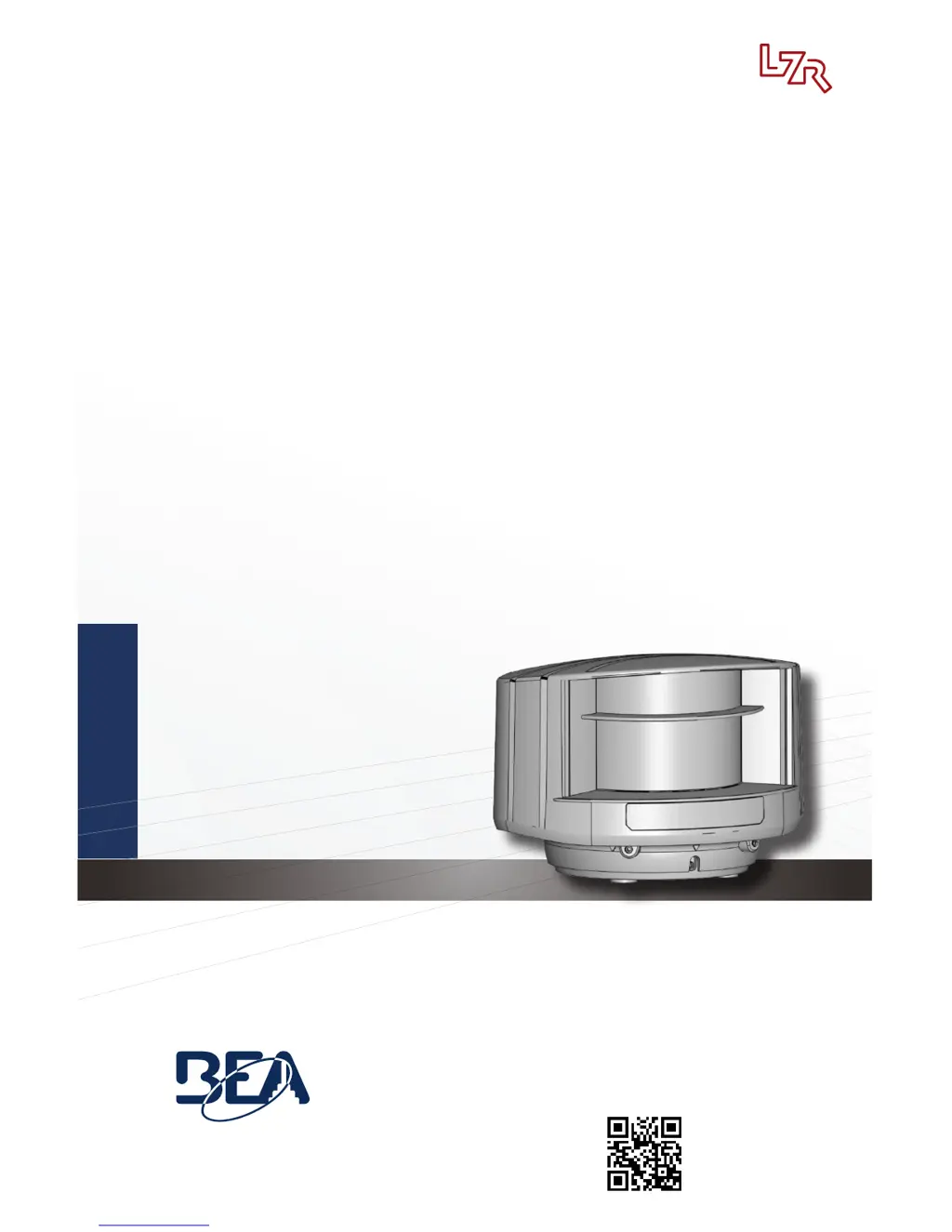
LASER SCANNER FOR BARRIERS & GATES
with max. detection range of 32’ × 32’
User’s Guide
Visit website for available
languages of this document.

Questions and Answers

  • H
    Henry RoseAug 16, 2025
    Why BEA Gate Opener sensor does not respond to the remote control?
    • R
      raymond80Aug 16, 2025
      The BEA Gate Opener sensor might not respond to the remote control for several reasons. It could be that 30 minutes have passed since the last use, locking access to the remote control; in this case, cut and restore the power supply to regain access for 30 minutes. Alternatively, the remote control batteries may be improperly installed or dead; check their orientation or replace them. Ensure the remote control is pointed towards the sensor at a slight angle, avoiding right angles. Lastly, reflective objects near the sensor might interfere; avoid highly reflective materials in the sensor's proximity.
  • D
    Dennis WalterAug 22, 2025
    What to do if BEA Gate Opener orange LED is flashing and detection LEDs are red?
    • N
      Nancy PerezAug 22, 2025
      If the orange LED is flashing and the detection LEDs are red on your BEA Gate Opener, it indicates that no background (reference point) is found. Check the sensor's position. Also, verify the mounting side setting; if no reference point is found, set the mounting side to a value between 3 and 5. You may also need to launch a new teach-in.
  • B
    Brian GrayAug 26, 2025
    What does it mean when BEA LZR-H100 orange LED is on and both detection LEDs are orange?
    • A
      Amanda BellAug 26, 2025
      If the orange LED is on and both detection LEDs are orange on your BEA Gate Opener, it could indicate that the power supply voltage exceeds acceptable limits; check the power supply voltage. It may also mean the sensor exceeds temperature limits; verify the environment's temperature and protect the sensor from sunlight with a cover if needed. Finally, it could indicate an internal error; wait a few seconds, and if the LED remains on, reset the power supply. If the LED turns on again, replace the sensor.
  • J
    Joseph MilesAug 28, 2025
    Why BEA LZR-H100 has no power?
    • A
      Anthony AllenAug 28, 2025
      The BEA Gate Opener might have no power because the polarity of the power supply is inverted; check the power supply's polarity. Another reason could be that all LEDs have been deactivated by remote control; activate the LEDs using the remote control.
  • E
    eduardopatelAug 31, 2025
    Why BEA LZR-H100 Gate Opener sensor does not unlock?
    • L
      lisa69Aug 31, 2025
      The BEA Gate Opener sensor might not unlock because an access code needs to be entered or an incorrect code was used. Cycle the power supply, noting that no code is required to unlock during the first minute after powering.
  • L
    lknightSep 3, 2025
    What to do if BEA LZR-H100 Gate Opener detection LED remains green?
    • B
      bperrySep 3, 2025
      If the detection LED remains green on your BEA Gate Opener, the detection field might be too small or deactivated; check the size of the fields. You can also try launching a teach-in. Another possibility is that the object size is too small; decrease the minimum object size.
  • J
    Jacqueline RogersSep 6, 2025
    What does it mean if only blue LED is on BEA Gate Opener?
    • W
      wardlynnSep 6, 2025
      If only the blue LED is on for your BEA Gate Opener, it indicates that the test input is not connected. Check the wiring, ensuring that the blue and blue/white cable are connected to the test input or the power supply.
  • T
    tylerchoiSep 9, 2025
    How to fix masked BEA LZR-H100 sensor?
    • J
      Joseph LittleSep 9, 2025
      To fix a masked BEA Gate Opener sensor, verify and clean the front screens with a damp cloth.
  • S
    Shelley BryanSep 10, 2025
    What to do if BEA LZR-H100 detection LED remains red?
    • K
      Krystal FieldsSep 12, 2025
      If the detection LED on your BEA Gate Opener remains red, it could be due to several reasons. Someone or something might be within the detection field; step out of the field or remove any objects. The field might be touching a wall or door, causing continuous detection; activate the 3 red beams and check the sensor's position, adjusting the hex screws if necessary. Also, verify the field size and launch a teach-in.
  • J
    Jessica CampbellSep 12, 2025
    How to fix BEA LZR-H100 Gate Opener no blue LED?
    • L
      Luis DavisSep 12, 2025
      To address the issue of no blue LED on your BEA Gate Opener, check the cable and connection.

Summary

Safety Precautions

Laser Radiation Warnings

Details specific warnings and precautions regarding laser radiation exposure during operation and installation.

Installation and Maintenance Guidelines

Installation Best Practices

Visual guidelines on what to avoid and how to properly install the sensor, covering vibrations, obstructions, and environmental factors.

Basic Principles of Operation

Reference Point Setup

Details how to set and adjust the reference point for accurate detection and safety field configuration.

Safety Field Configuration

Describes the importance and placement of the safety field for contact protection, especially below barriers.

Remote Control Operations

Recommended Mounting Practices

Mounting Height and Alignment

Provides guidance on optimal mounting height, ensuring the detection field is parallel to the barrier, and avoiding obstructions.

Safety Field Placement

Specifies the correct placement of the sensor for safety field coverage, avoiding incorrect positions relative to the barrier.

Mounting and Wiring

Field Positioning Procedures

Laser Beam Alignment

Describes using visible laser beams activated by remote control for accurate sensor positioning and alignment.

Reference and Tilt Adjustment

Explains how to set the reference point using paper and adjust the sensor's tilt angle for optimal detection field placement.

Safety Field Configuration

Opening Field Configuration

Field Dimensions Setup

Details how to adjust the opening field's width (A) and depth (B) using the remote control before teach-in.

Teach-in Procedure

Describes the teach-in process for the opening field, including environmental conditions and post-teach-in checks.

Troubleshooting Guide

BEA LZR-H100 Specifications

General IconGeneral
BrandBEA
ModelLZR-H100
CategoryGate Opener
LanguageEnglish