12
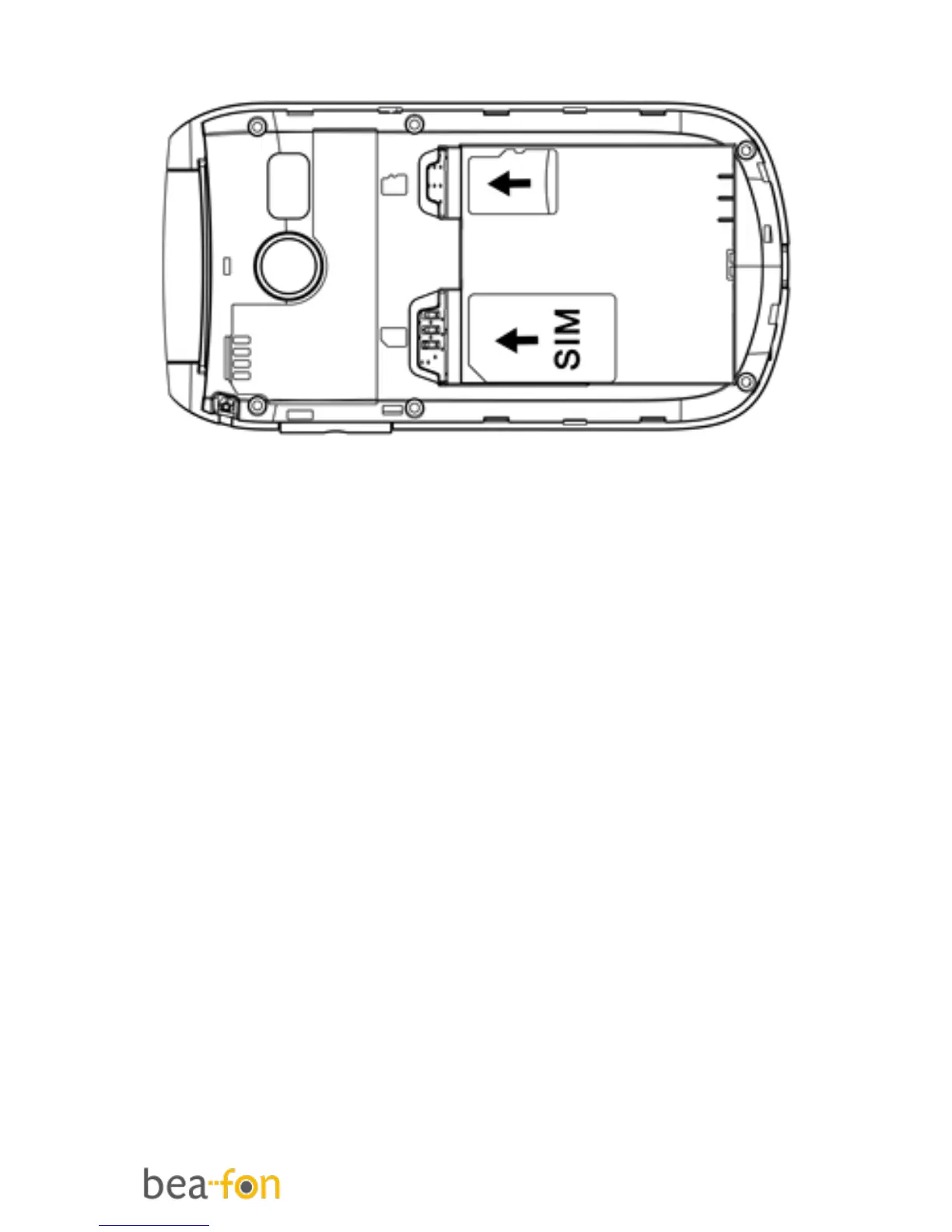
If the battery is already inside, remove it.
3. You can see two card slots (left side:
SIM, right side: Micro SD).
4. Slide the SIM card carefully into the
SIM card slot. Make sure that the
gold-coloured connectors on the SIM
card are facing downwards and that
the bevelled corner is on the left side.
5. Memory Card: Slide the Micro SD card
into the Micro SD card slot. Make sure
that the gold-coloured connectors on
the micro SD card are facing
downwards.



 To Next Page