20
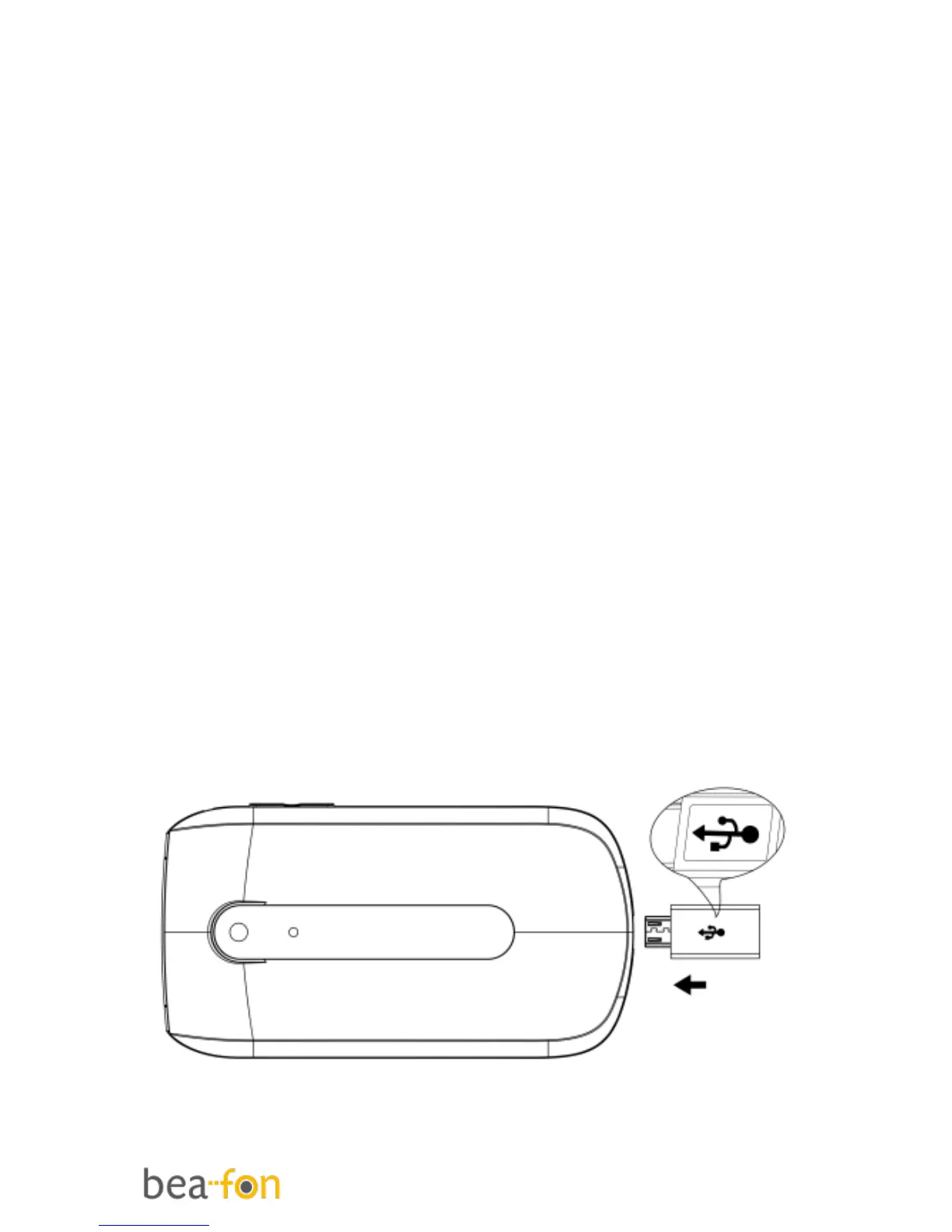
Connect an optional headset
You can use a headset (not supplied) with
the micro usb type, plugged into the
Headset socket on the bottom of the
handset.
When using headsets, including Beafon
approved ones, pay attention to volume
levels and read its user guide for safety
instructions. Do not connect incompatible
products.
When correctly inserted the headset icon
is shown.
Headset Connector:
Plug in headset accessory for headset
use. (micro USB)



 To Next Page