General Information
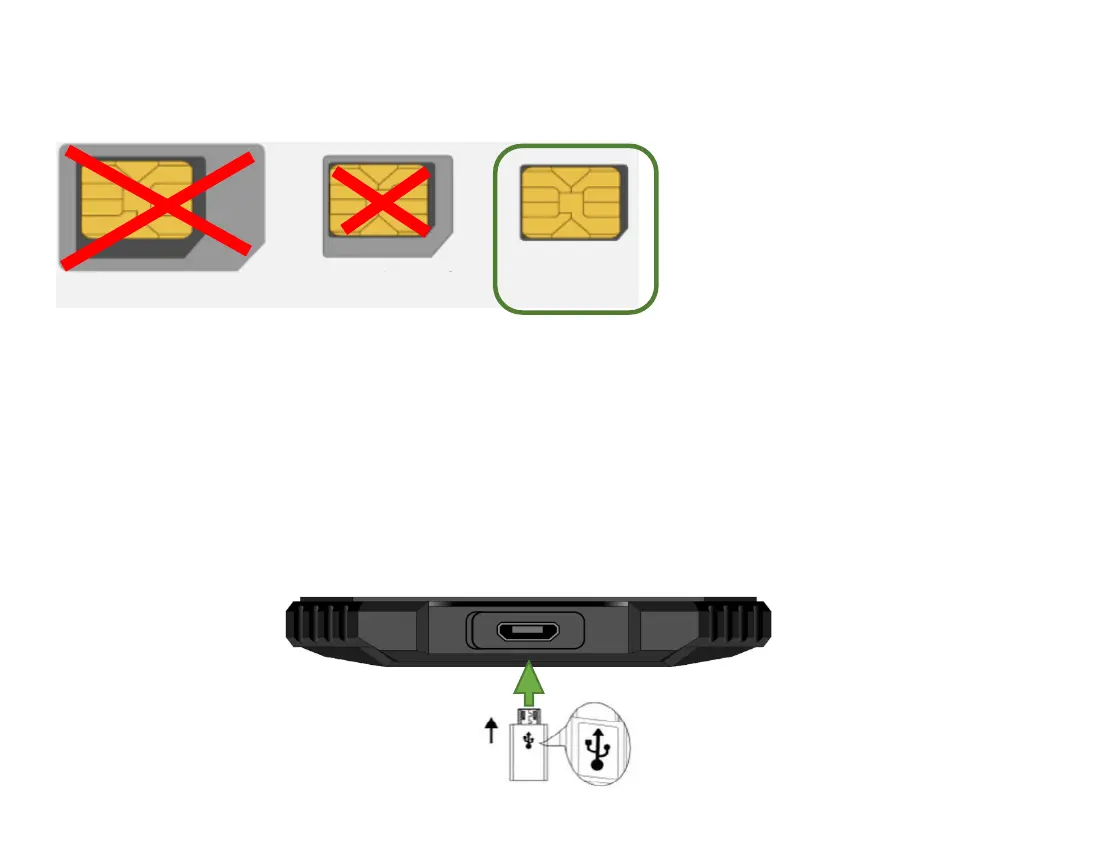
SIM card format for X5
Charging the Battery
Open the cover on the underside of the phone.
Insert the Micro USB charging plug into the phone.
Then connect the charger to the mains outlet.
When the phone is charged while turned on, the battery indicator pulsates blue.
The battery is fully charged when the battery indicator no longer pulsates blue.
Disconnect the charger from the mains and from the device when it is not needed!



 To Next Page