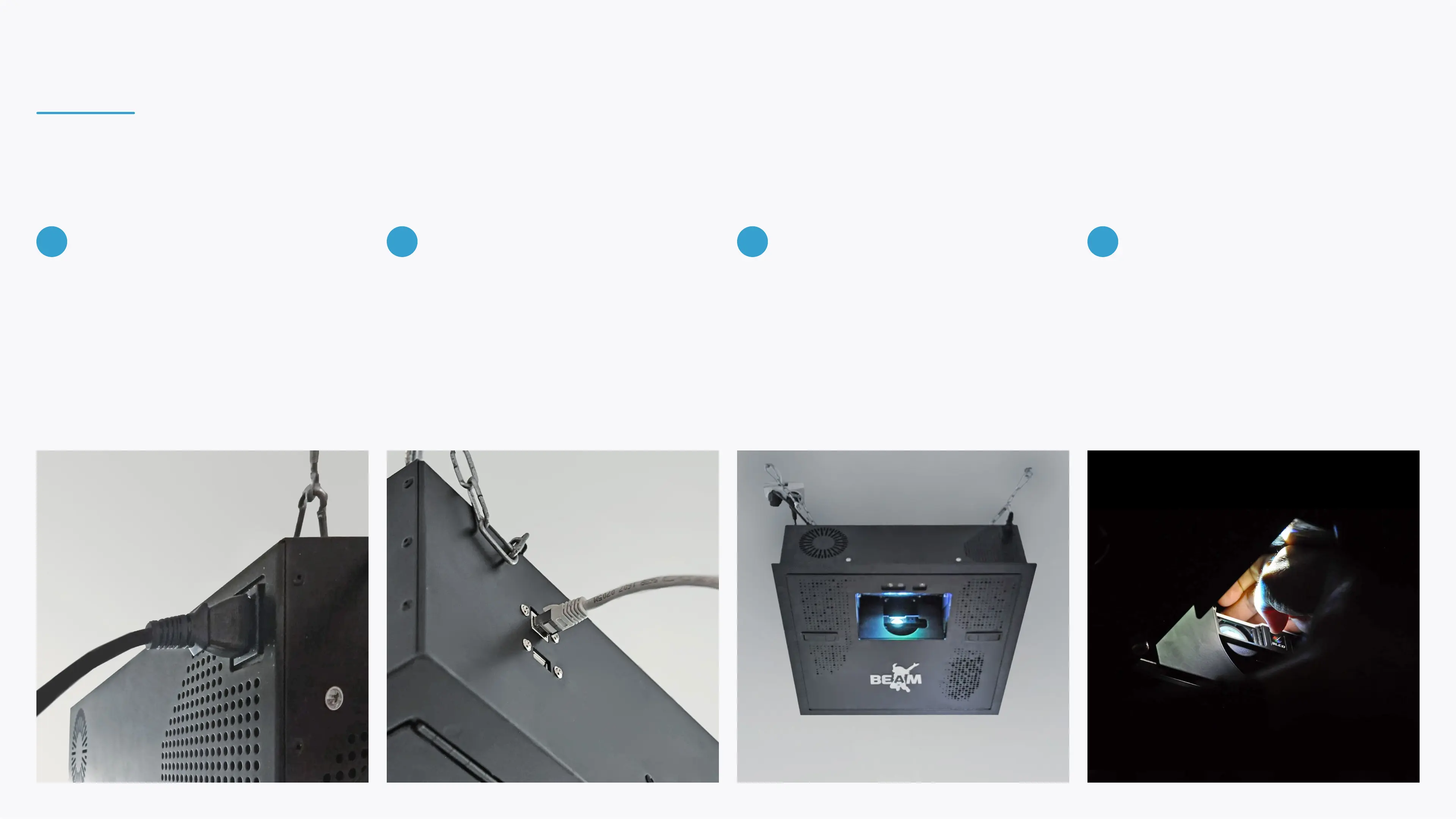
Connect the device to a 15A 110-240V
dedicated, stable power outlet. The
power socket is located on the device's
front panel.
Connect the device to your router using
an Ethernet cable. The internet port is
located on the device's back panel.
It is also possible to connect to a WiFi
network during the device setup.
Turn on the projector using the remote
controller. Allow up to 10 minutes for
the projector's initial activation.
Once the projector is fully activated, use
the projector's zoom and focus wheels
to adjust the image.
8 9 10
INSTALLING BEAM
11


 To Next Page