
 Need help?
Do you have a question about the Beam Laser and is the answer not in the manual?
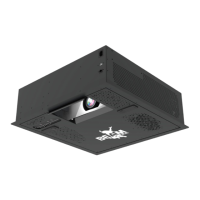
Lists the main BEAM system unit, power cord, keyboard, and remote controller.
Unpack and attach carabiner clips and turnbuckles to the device's top panel.
Measure and mark a 60cm square on the ceiling for device placement.
Drill holes and insert eye bolt anchors at marked corners, then fasten them securely.
Attach chains to anchors and turnbuckles, then adjust turnbuckles for precise leveling.
Connect the device to a power outlet and your router via Ethernet or Wi-Fi.
Anchor device to the true ceiling or a support beam, not the drop ceiling frame.
Connect to Wi-Fi or Ethernet and enter username/password to log in.
Use Camera Preview to ensure the entire projection area is visible to the motion sensor.
Recalibrate the projection after any setup changes for accurate tracking.
Drag the mask and anchor icons to precisely fit the table's size and shape.
Drag the mask and circle size icons to fit the round table projection accurately.

 To Next Page
 General