SIGN IN & CONFIGURATION
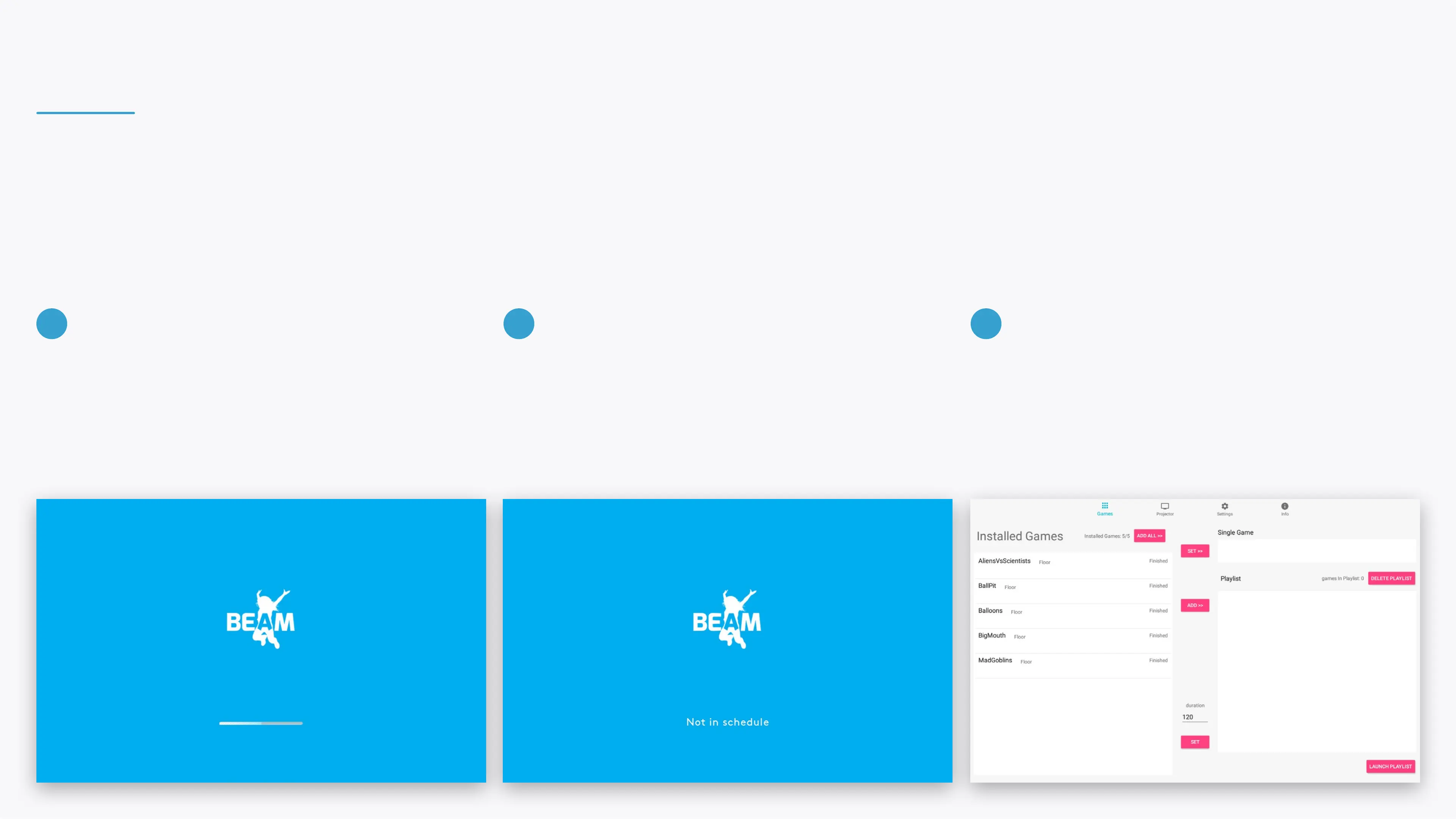
Once you've logged in, the device will start
downloading updates. This step may take up to 20
minutes. The device might restart automatically during
this stage.
Once the device has been updated and is ready, the
progress slider will be replaced by a text: "Not in
schedule".
Hold Ctrl+Q to make the control area appear.
Please read the BEAM QuickStart Guide to learn more
about the control area.
4 5 6


 To Next Page