SIGN IN & CONFIGURATION
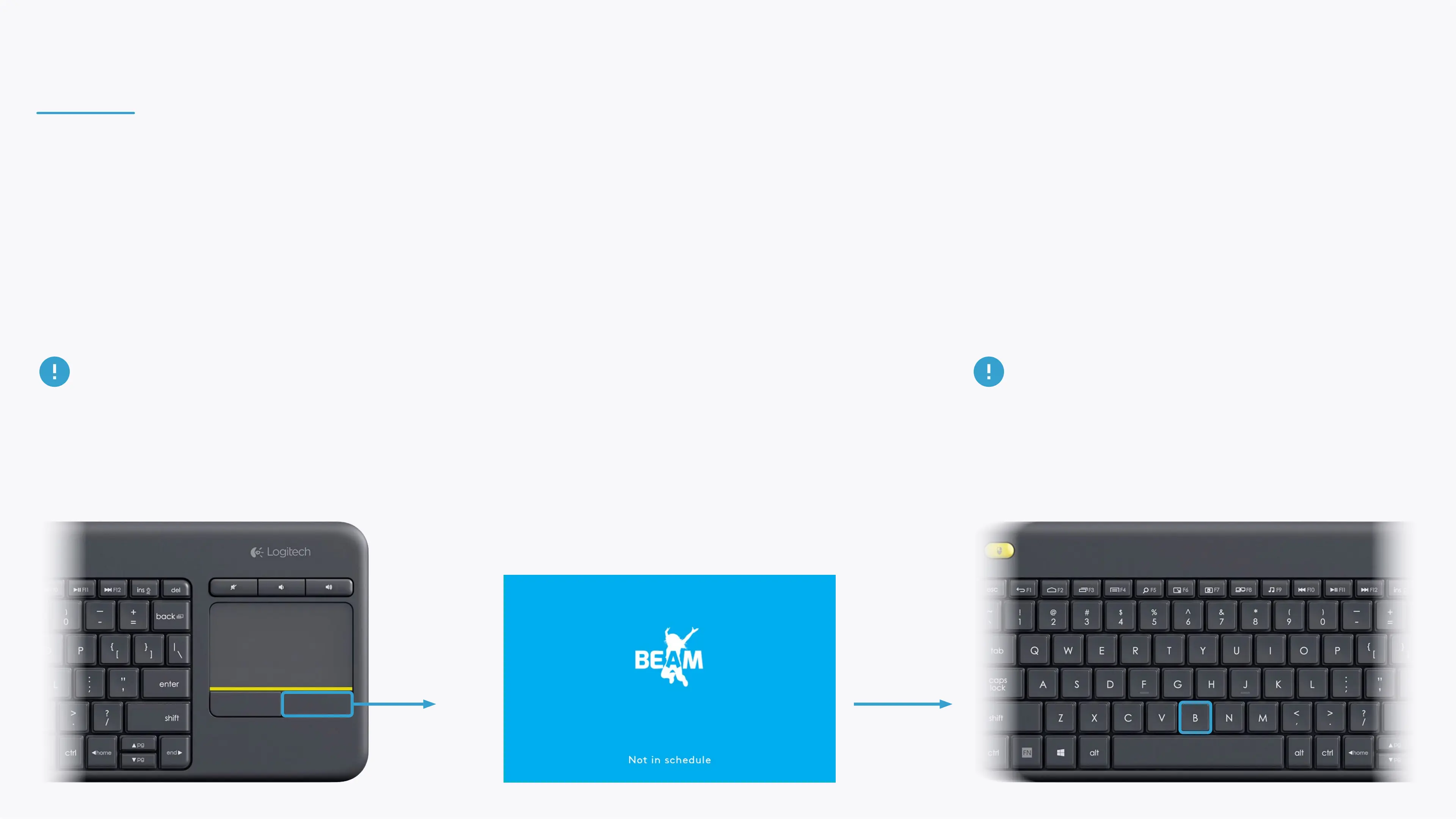
If the projection is illegible during the sign in, conguration or any other point, tap the right
button on the keyboard's trackpad repeatedly until reaching the stanby screen, then type B to
reset the projection.
Note that after resetting the projection, it must be
adjusted and calibrated (calibration is available in the
Settings section in the control area).


 To Next Page