SIGN IN & CONFIGURATION
Now let's make sure the motion sensor camera is
capturing the projection area correctly.
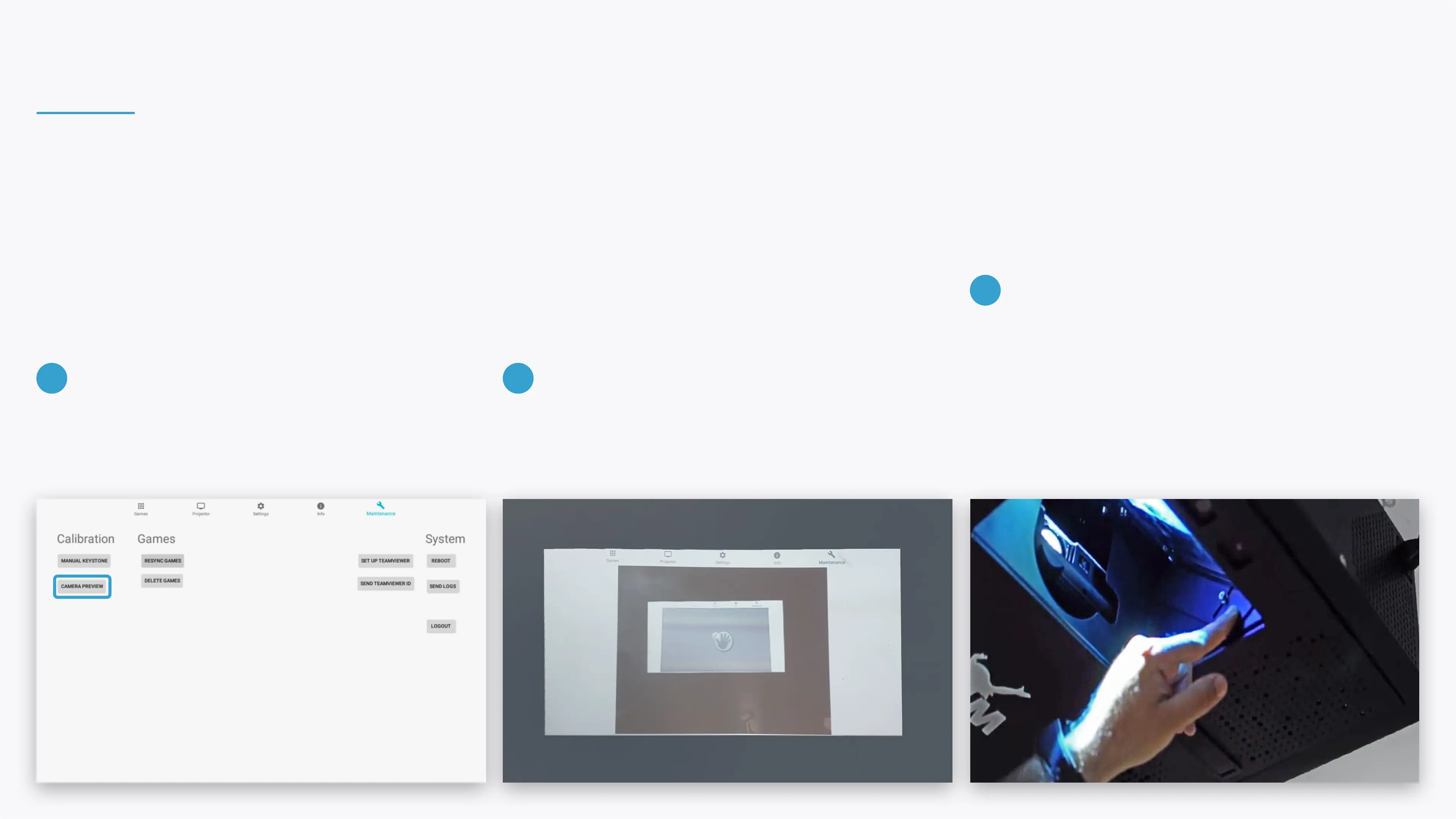
Tap CAMERA PREVIEW in the maintenance section. The camera live view will be projected. Make sure that
the entire projection area is visible to the camera.
Tilt the camera mirror to move the direction if needed.
You can also reduce the projection scale through the
zoom wheel on the projector.
Note that any change to the projection setup
requires calibrating it through the Settings section.
9 10
11


 To Next Page