EasyManua.ls Logo

Beamz MHL1915 - User Manual

Beamz MHL1915
31 pages
Print Icon
To Next Page IconTo Next Page
Loading...
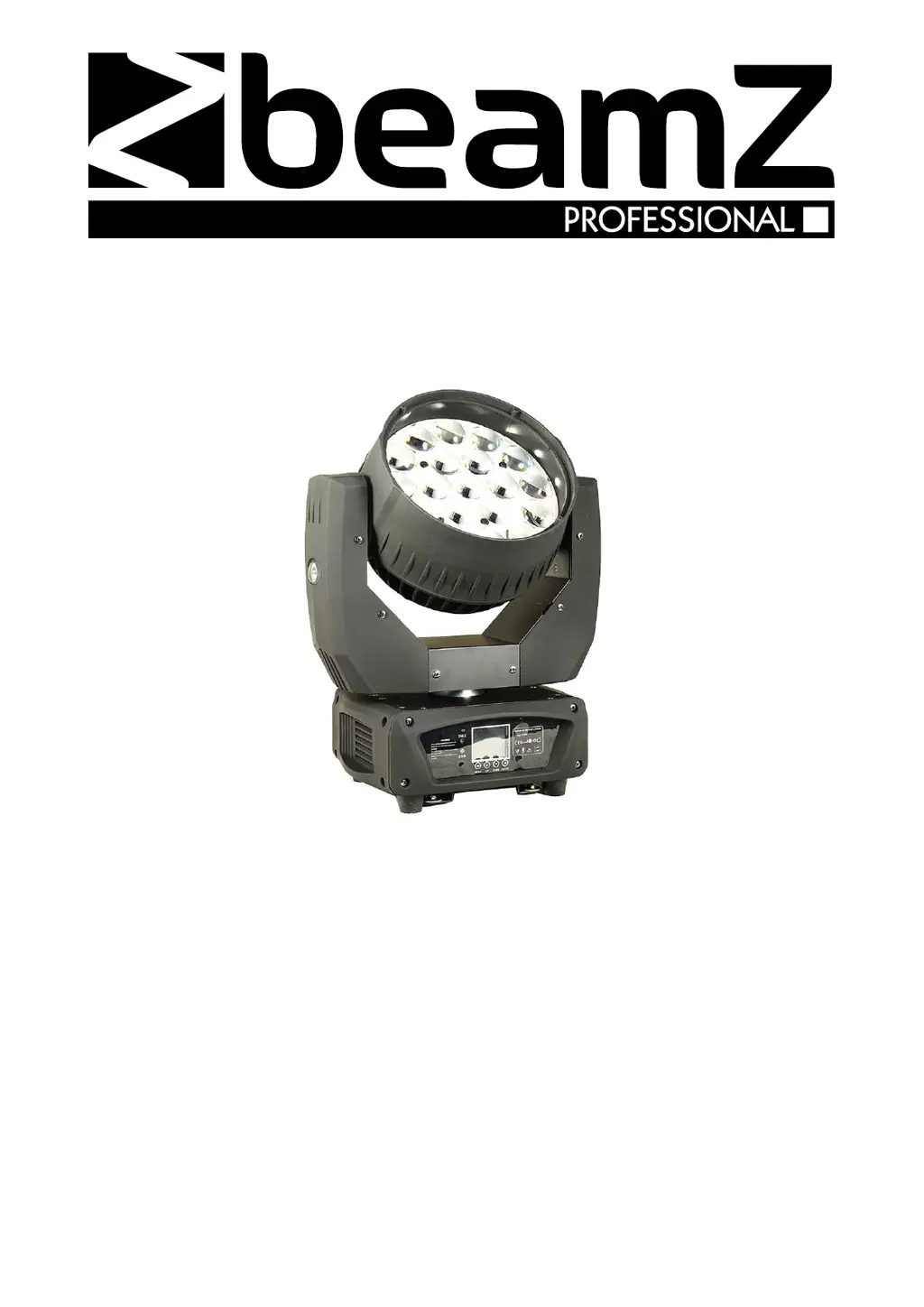
MHL1915 LED Zoom 19x 15W
Ref. nr.: 150.522
INSTRUCTION MANUAL
GEBRUIKSAANWIJZING
BEDIENUNGSANLEITUNG
MANUAL DE INSTRUCCIONES
MANUEL D'INSTRUCTIONS
INSTRUKCJA OBSŁUGI
V1.0

Questions and Answers

Summary

General Safety and Precautions

General Safety Guidelines

Read manual, avoid opening housing, keep away from liquids/heat, use correct power, unplug when not in use, avoid rain/moisture.

Installation and Operational Safety

Secure installation, clear area below, use expert approval, do not look into LEDs, keep away from children, clean carefully.

Environmental and Warranty Notes

Operate between 5-35°C, dispose responsibly, do not attempt repairs, warranty void if misused.

Installation and Power

Unpacking and Initial Inspection

Carefully unpack, check contents against list, report any shipping damage immediately, retain packaging.

Power Connection and Grounding

Connect to the specified voltage, use a protected circuit, ensure proper electrical grounding for safety.

Mounting and Installation Safety

Ensure structure holds 10x weight, use secondary safety attachment, clear area below, maintain distance from flammable materials.

Controls, Connectivity, and Fuses

Display and Control Panel Operation

Navigate menus using buttons to set address, run programs, or perform resets.

DMX-512 Connection and Cabling

Connect units in a DMX chain. Use cable adapters for 3-pin to 5-pin XLR conversion as needed.

Fuse Replacement Procedure

Unplug unit. Open fuse holder, remove old fuse, install new fuse of identical type and value.

Troubleshooting and Maintenance

Troubleshooting Common Issues

Addresses problems like no light, music sync failure, unresponsive channels, or DMX control issues.

Fixture Cleaning Guidelines

Clean optics periodically. Clean ventilation openings monthly. Clean interior annually. Use soft cloth and appropriate fluids.

DMX Channel Functions

DMX Modes and Channel Mapping

Details DMX channel assignments for various modes, including Pan, Tilt, Speed, Color, Zoom, and Strobe.

DMX Channel Functions (Continued)

Covers additional DMX functions like Macro Colour, Zoom fine, Strobe effects, and Dimmer control.

Menu System and Settings

Menu Navigation and Modes

Overview of menu structure for Address, Run, DMX Mode, Test, Set, Info, Manual, and Reset functions.

Setting Configuration Options

Allows setting DMX address, operating mode, testing components, adjusting Pan/Tilt, language, and time info.

Technical Specifications

Product Specifications Overview

Details rated voltage, power, LED type, fuse, DMX channels, dimensions, and weight.

Declaration of Conformity

Manufacturer Compliance Information

Declaration by TRONIOS BV confirming the product meets stated regulatory requirements and directives.

Summary

General Safety and Precautions

General Safety Guidelines

Read manual, avoid opening housing, keep away from liquids/heat, use correct power, unplug when not in use, avoid rain/moisture.

Installation and Operational Safety

Secure installation, clear area below, use expert approval, do not look into LEDs, keep away from children, clean carefully.

Environmental and Warranty Notes

Operate between 5-35°C, dispose responsibly, do not attempt repairs, warranty void if misused.

Installation and Power

Unpacking and Initial Inspection

Carefully unpack, check contents against list, report any shipping damage immediately, retain packaging.

Power Connection and Grounding

Connect to the specified voltage, use a protected circuit, ensure proper electrical grounding for safety.

Mounting and Installation Safety

Ensure structure holds 10x weight, use secondary safety attachment, clear area below, maintain distance from flammable materials.

Controls, Connectivity, and Fuses

Display and Control Panel Operation

Navigate menus using buttons to set address, run programs, or perform resets.

DMX-512 Connection and Cabling

Connect units in a DMX chain. Use cable adapters for 3-pin to 5-pin XLR conversion as needed.

Fuse Replacement Procedure

Unplug unit. Open fuse holder, remove old fuse, install new fuse of identical type and value.

Troubleshooting and Maintenance

Troubleshooting Common Issues

Addresses problems like no light, music sync failure, unresponsive channels, or DMX control issues.

Fixture Cleaning Guidelines

Clean optics periodically. Clean ventilation openings monthly. Clean interior annually. Use soft cloth and appropriate fluids.

DMX Channel Functions

DMX Modes and Channel Mapping

Details DMX channel assignments for various modes, including Pan, Tilt, Speed, Color, Zoom, and Strobe.

DMX Channel Functions (Continued)

Covers additional DMX functions like Macro Colour, Zoom fine, Strobe effects, and Dimmer control.

Menu System and Settings

Menu Navigation and Modes

Overview of menu structure for Address, Run, DMX Mode, Test, Set, Info, Manual, and Reset functions.

Setting Configuration Options

Allows setting DMX address, operating mode, testing components, adjusting Pan/Tilt, language, and time info.

Technical Specifications

Product Specifications Overview

Details rated voltage, power, LED type, fuse, DMX channels, dimensions, and weight.

Declaration of Conformity

Manufacturer Compliance Information

Declaration by TRONIOS BV confirming the product meets stated regulatory requirements and directives.

Beamz MHL1915 Specifications

General IconGeneral
TypeLED Moving Head
ModelMHL1915
BrandBeamz
LED Quantity19
LED ColoursRGBW
Beam Angle15°
Color Temperature6500K
ControlDMX, Master/Slave, Auto
DMX Channels8

Related product manuals