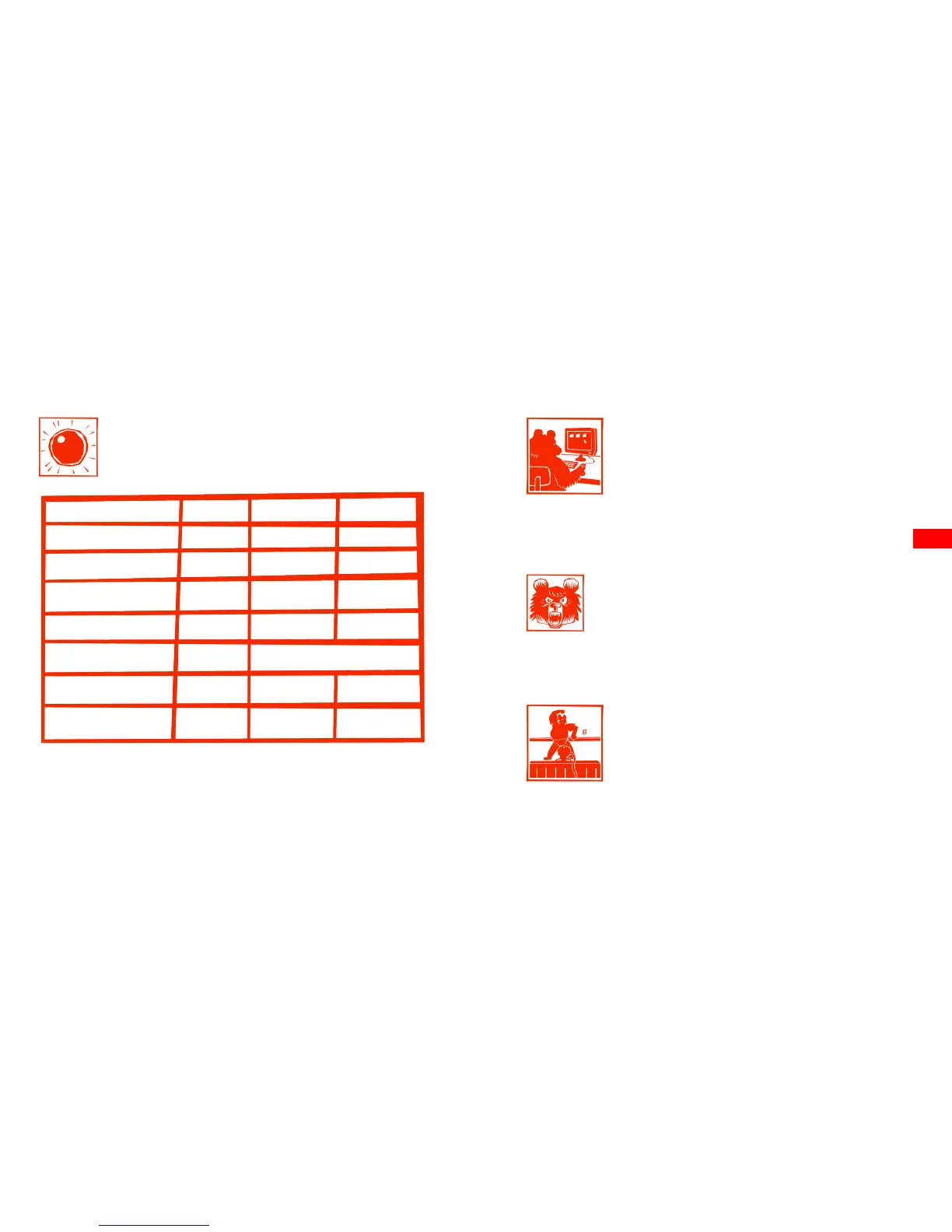
LED Status Table
14 15
Standby
Battery charging
Taking video
Taking photo
No micro SD card
Micro SD card fill up
Data transfer
Green LED Red LED Blue LED
Off
Off On
On
Off Off
Off
Flashing On
Off
Flashing On
Off
On
OnOff Off
Asynchronous Flashing
Off On
The Webcam Function
To use your BearDevil as a webcam (Windows OS only),
download the driver from our website:
www.BearDevil.com > Support
Playback On Your Computer
To watch your footage on your computer, plug one
end of the USB cable into the back of your BearDevil
(after screwing off the rear cap) and the other end in
your computer’s USB port. The BearDevil will be automatically recognized.
Alternatively, you can insert your MicroSD card into your computer’s
MicroSD card slot.
Caution! Keep your BearDevil switched on and don’t remove the
battery when downloading your data; it will upset the bear greatly!
He could even take a bite out of your footage if he feels particularly
malicious.
EN



 To Next Page