33English
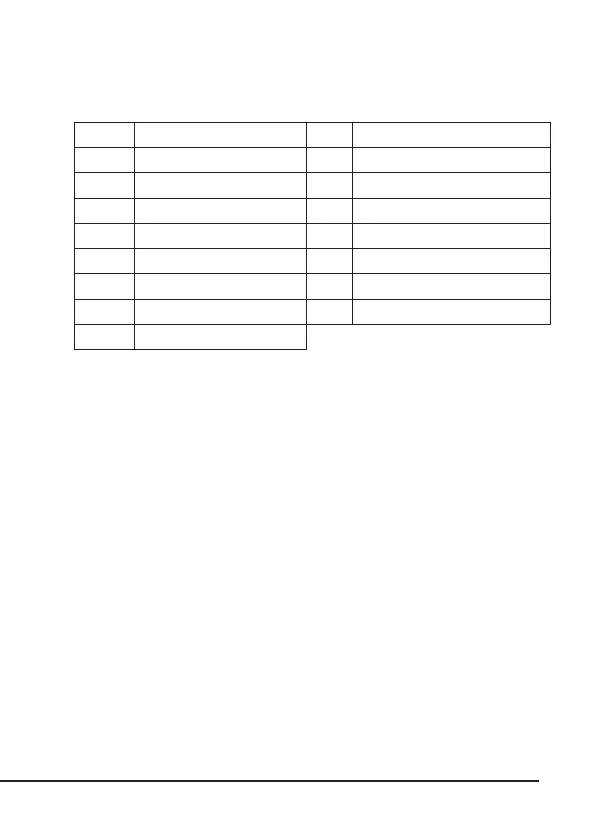
The above table shows an overview of the combinaons that can be selected for
the respecve days of the week.
6. Inial use
Check that the product and the components are intact and that the device is
working properly when using it for the rst me Take the product out of the
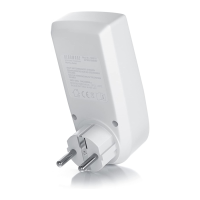
package and remove all the packaging material. Then, plug the mer into any
socket at home whose voltage matches the specicaons of the mer. Leave the
mer plugged in for about 12 hours so that the backup baery charges fully. Aer
charging, press the RESET buon using a pointed object to clear or complete-
ly reset the current conguraon of the mer. The device is now ready to be
used. The following secons of this manual describe how to make the individual
sengs.
7. Seng the current me
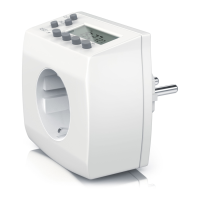
Press and hold the CLOCK buon and simultaneously press the WEEK buon unl
the current day is shown on the mer display. Keep the CLOCK buon pressed
and set the current me using the HOUR and MIN buons. Then, release the
buons. The current me and day of the week are now set.
No. Weekdays No. Weekdays
1 Mo 9 Mo, Tu, We, Th, Fr
2 Tu 10 Sa, Su
3 We 11 Mo, Tu, We, Th, Fr, Sa
4 Th 12 Mo, We, Fr
5 Fr 13 Tu, Th, Sa
6 Sa 14 Mo, Tu, We
7 Su 15 Th, Fr, Sa
8 Mo, Tu, We, Th, Fr, Sa, Su


 To Next Page