37English
Note: If the temperature is less than -40 °C or more than 70 °C, then "LO" or "HI"
is displayed. If the humidity range is less than 1% or more than 99%, then "LO"
or "HI" is displayed. The temperature/humidity level is not displayed when the
measured value is outside the temperature/humidity display range.
11. Backlight
11.1 Backlight
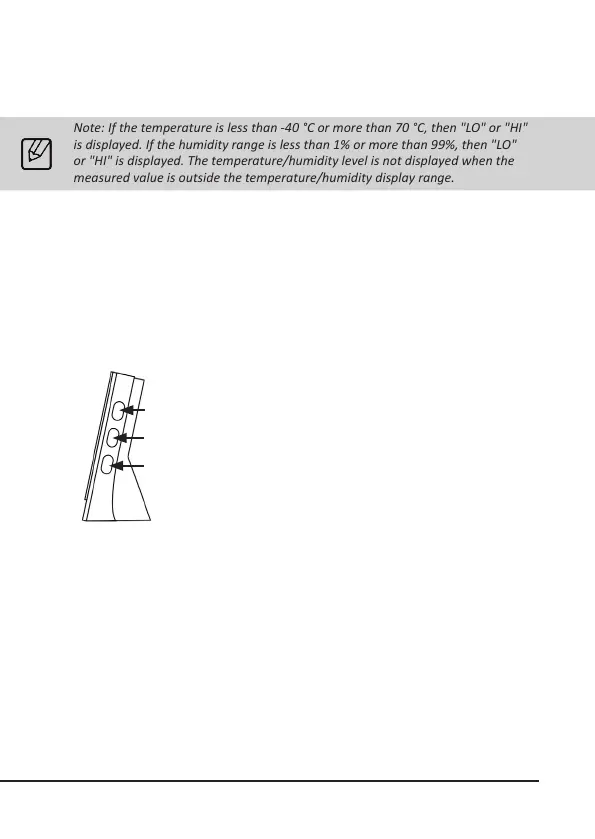
Move the "Backlight" switch to the desired posion:
• OFF = Backlight o
• LO = Backlight level 1
• HI = Backlight level 2
When the backlight is turned on, press the "Colour loop buon"
(19) to turn the automac colour loop funcon on and o in the
humidity range.
When the backlight is turned on, press the "Colour loop buon"
(20) to turn the automac colour loop funcon on and o in the
temperature range.
To select a single colour, start the colour loop of the desired sec-
on with the appropriate buon, that is, temperature (20) or hu-
midity (19). To stop the colour loop, press the buon again once
the desired colour appears in the display.
19
20
21



 To Next Page