16 English
5. Inial use
Take the product out of the package and remove all the packaging material.
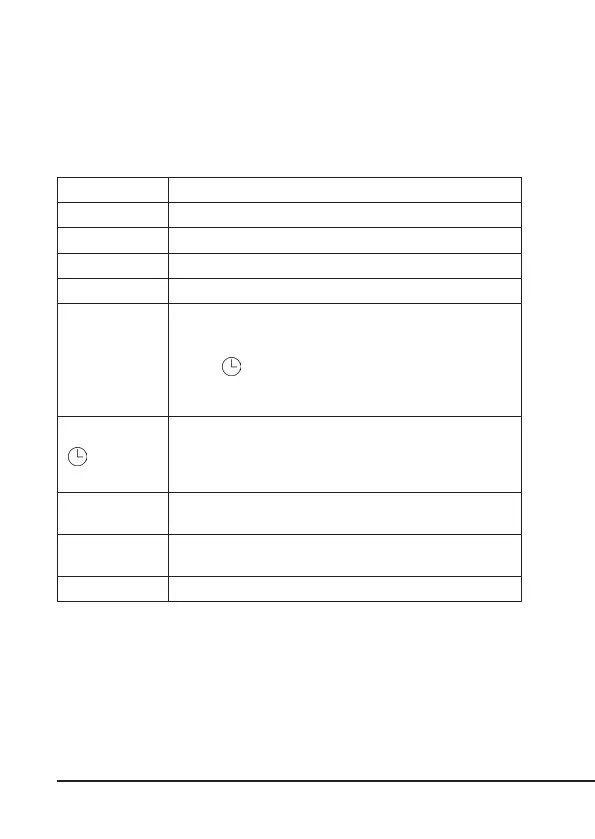
Control element Descripon
"R" buon Reset buon: Resets the device to factory sengs.
"W+" buon Weekday seng combined with the "C+" buon.
"H+" buon Hour seng combined with the "C+" buon.
"M+" buon Minute seng combined with the "C+" buon.
"C+" buon
• Current me / current day seng in combinaon with
the "W+", "H+", "M+" buons.
• Select the 12 or 24 hour mode (AM / PM) in combinaon
with " " buon.
• Enable the summer me funcon in combinaon with
the "MANUAL" buon.
buon
• Use the buons "W+", "H+", "M+" to set combined
programs.
• Select the 12 or 24 hour mode combined with "C+"
buon.
"MANUAL"
buon
Select the operang modes of the mer (Manual, ON, OFF)
"RES/RCL"
buon
Switching the programs on and o in the program menu
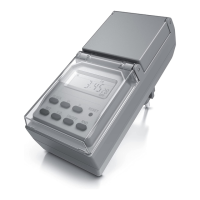
Status LED (ON) Displays the on and o status of the mer.



 To Next Page