EasyManua.ls Logo

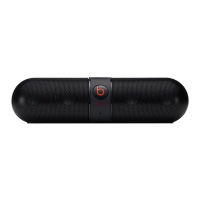
Beats Pill 2.0 - Pill Controls and Features

Beats Pill 2.0
7 pages
Print Icon
To Next Page IconTo Next Page
To Previous Page IconTo Previous Page
Loading...
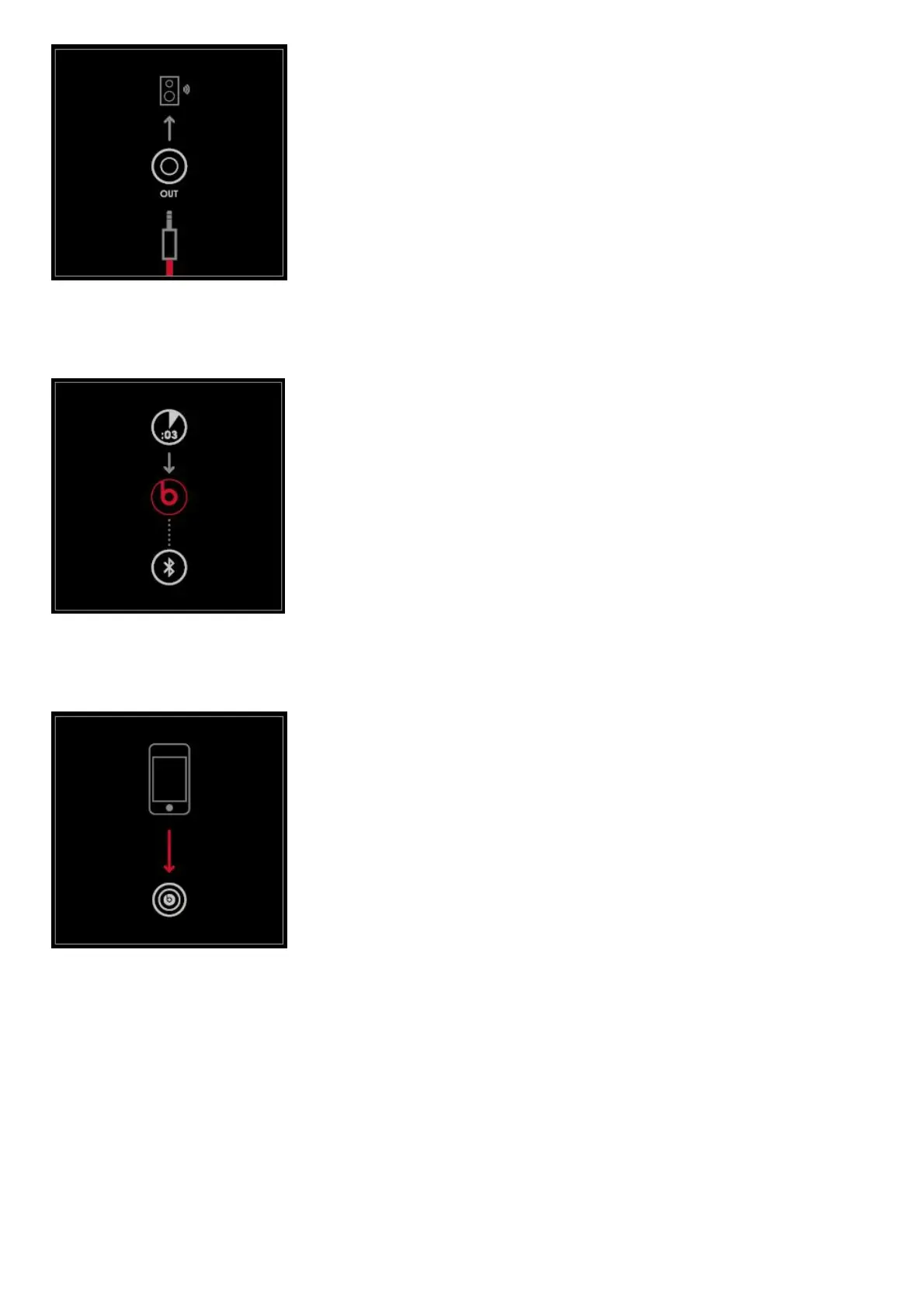
EN To connect to an alternate audio system, plug cable into the “OUT” jack on back of the PillTM.
CN ? PillTM“OUT”?
JP PillTM“OUT” 
EN To connect and disconnect Bluetooth®, press and hold “b” 3 seconds.
CN Bluetooth®?“b”  3?
JP Bluetooth®“b” 3
EN To disconnect NFC, touch your device to the pairing icon on the side of your PillTM.
JP NFCPillTM  
PILL CONTROLS

Other manuals for Beats Pill 2.0

Related product manuals