USE WITH YOUR APPLE iCLOUD DEVICES
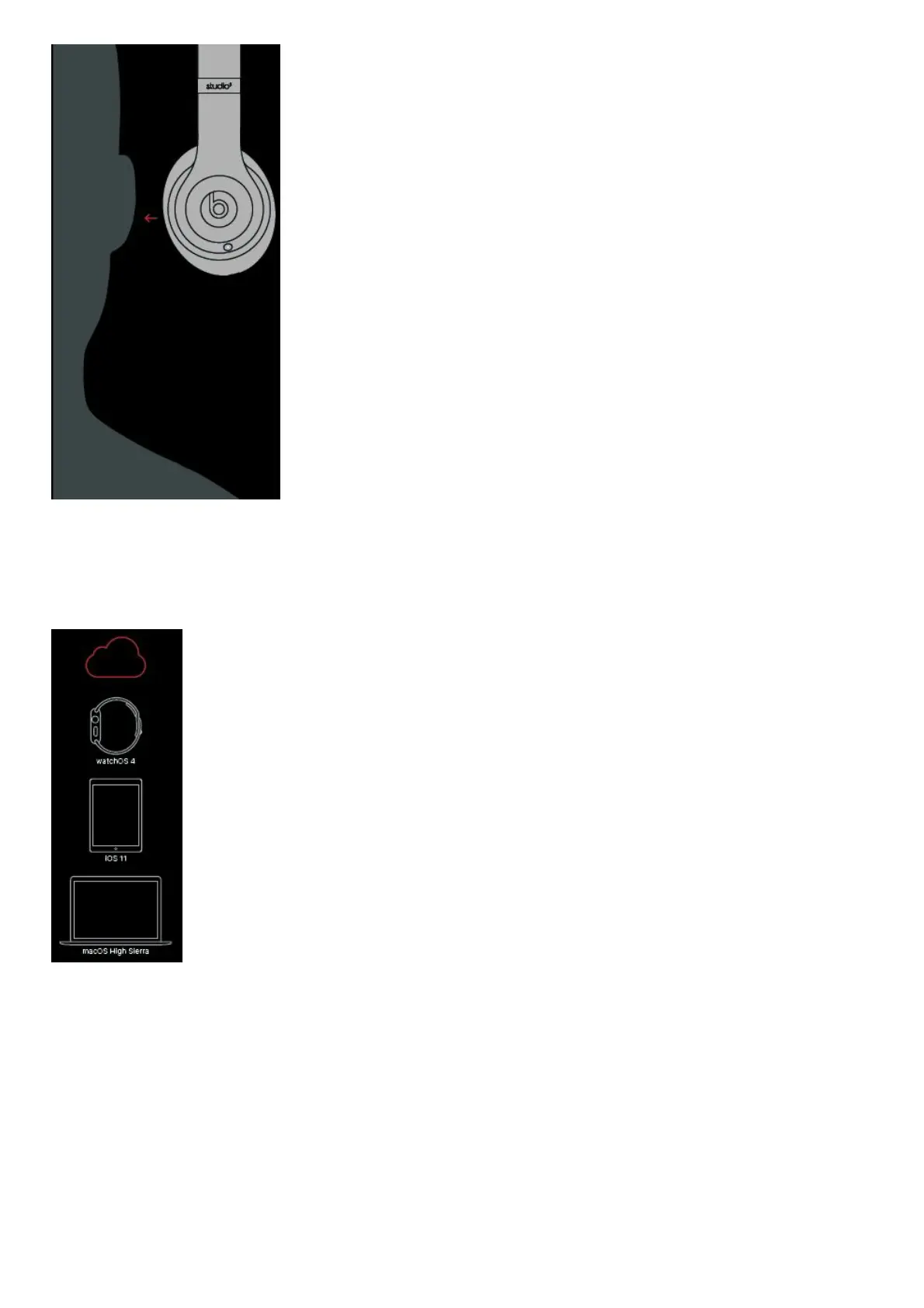
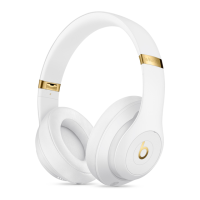
Beats Studio3 Wireless now works with your other devices signed into iCloud. Select Beats Studio3 in
Control Center (iOS) or menu bar (macOS).
WIRELESS SETUP FOR OTHER DEVICES*
Press power button for 5 seconds until lights blink. On your device, go to Bluetooth settings and
choose Beats Studio3.
* iOS 9 or earlier, AndroidTM and other Bluetooth enabled devices.


 To Next Page