3. Connect to a different Apple device
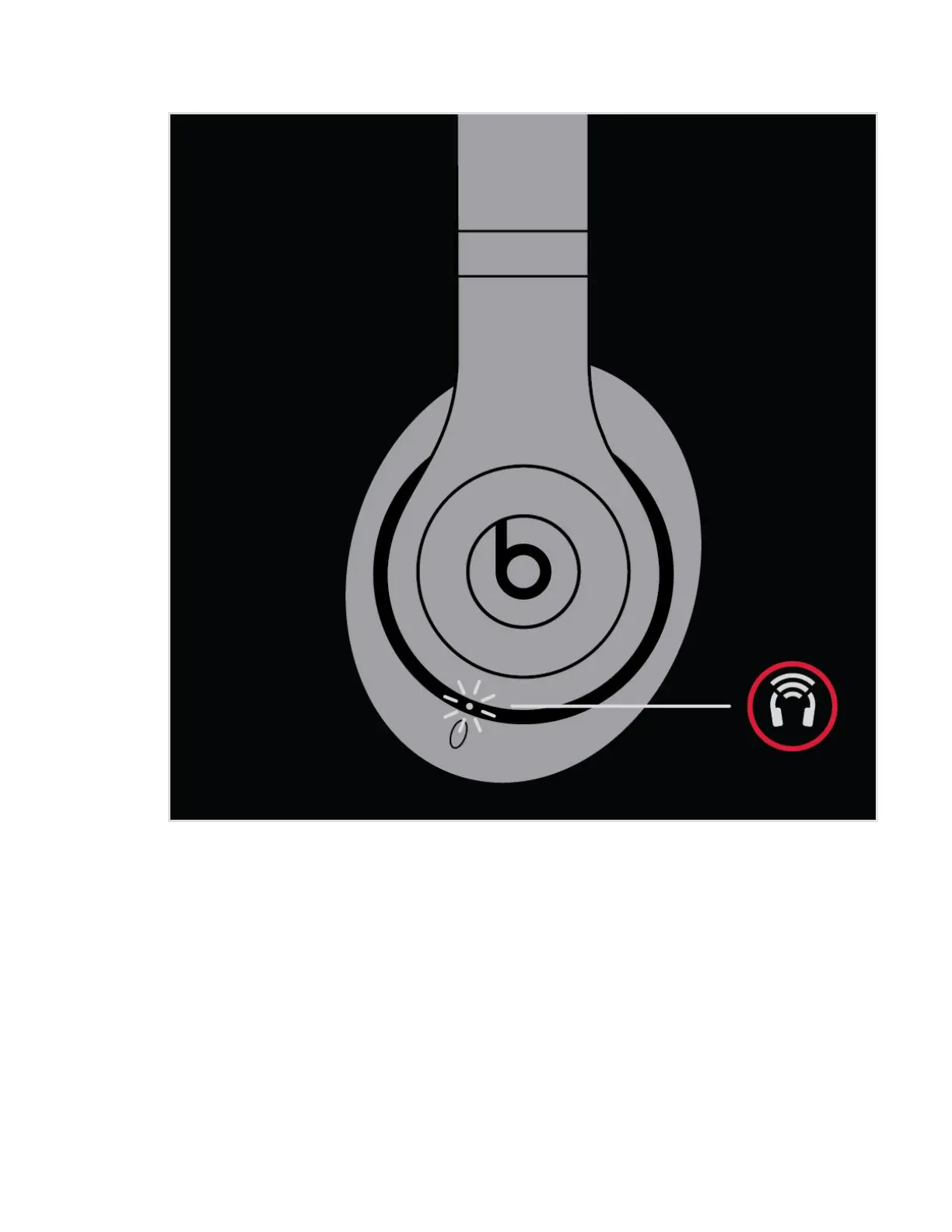
Your headphones automatically reconnect to the last device you used with them. To
connect to another device, follow these steps.
Connect your headphones to your iPhone, iPad, or iPod touch
1. Go to Settings > Bluetooth.
2. Tap the name of your headphones in the list.
Connect to other devices


 To Next Page