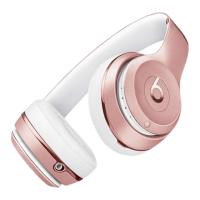
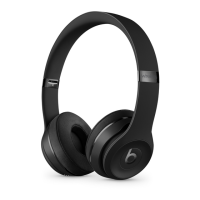
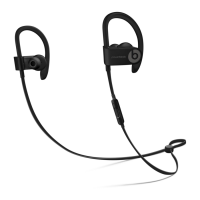
Clean your Beats
Never wear in-ear headphones if they appear dirty. Keep your eartips clean.
Use a dry cleaning cloth to wipe away dust and oil. Don't use aerosol sprays, solvents, or
abrasives.
Take care of your Beats
Avoid exposing your Beats headphones or earphones to liquids or high humidity.
To disconnect headphones or earphones from your music player, grasp the plug and pull.
Never pull on the cable itself.
Store your Beats
Store your headphones or earphones in the protective case that's provided.
Don’t store other items in the case.
Store your Beats in a clean, dry place. Avoid storing them in direct sunlight or in extreme
heat or cold.


 To Previous Page