9
Transferring files SD Card
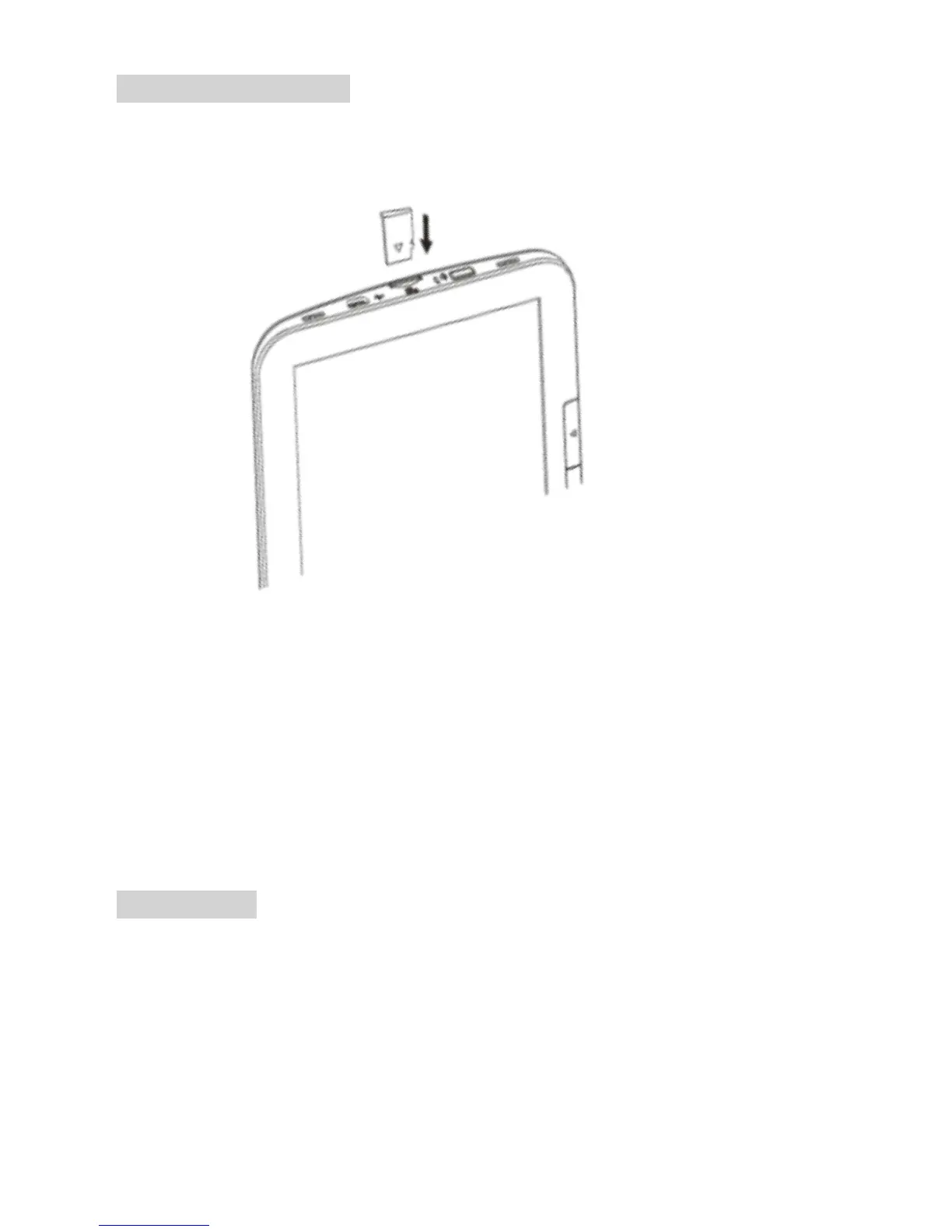
Insert the Micro SD card (sold separately) in the Micro SD card slot on
the BeBook Pure. When the BeBook Pure is connected to the computer
the Micro SD card will be recognized as an external disk. Follow the
same procedure as with the internal memory to transfer books the
Micro SD card.
MICRO SD card
If the BeBook Pure does not detect the Micro SD card after inserting it,
remove the card and reinsert again.



 To Next Page