2.) How to start using Content Manager 2.0 (connecting Becker PND and logging in)?
This guide explains the very first steps of using Content Manager 2.0: how to connect
your Becker PND to your PC and how to log in with your username and password.
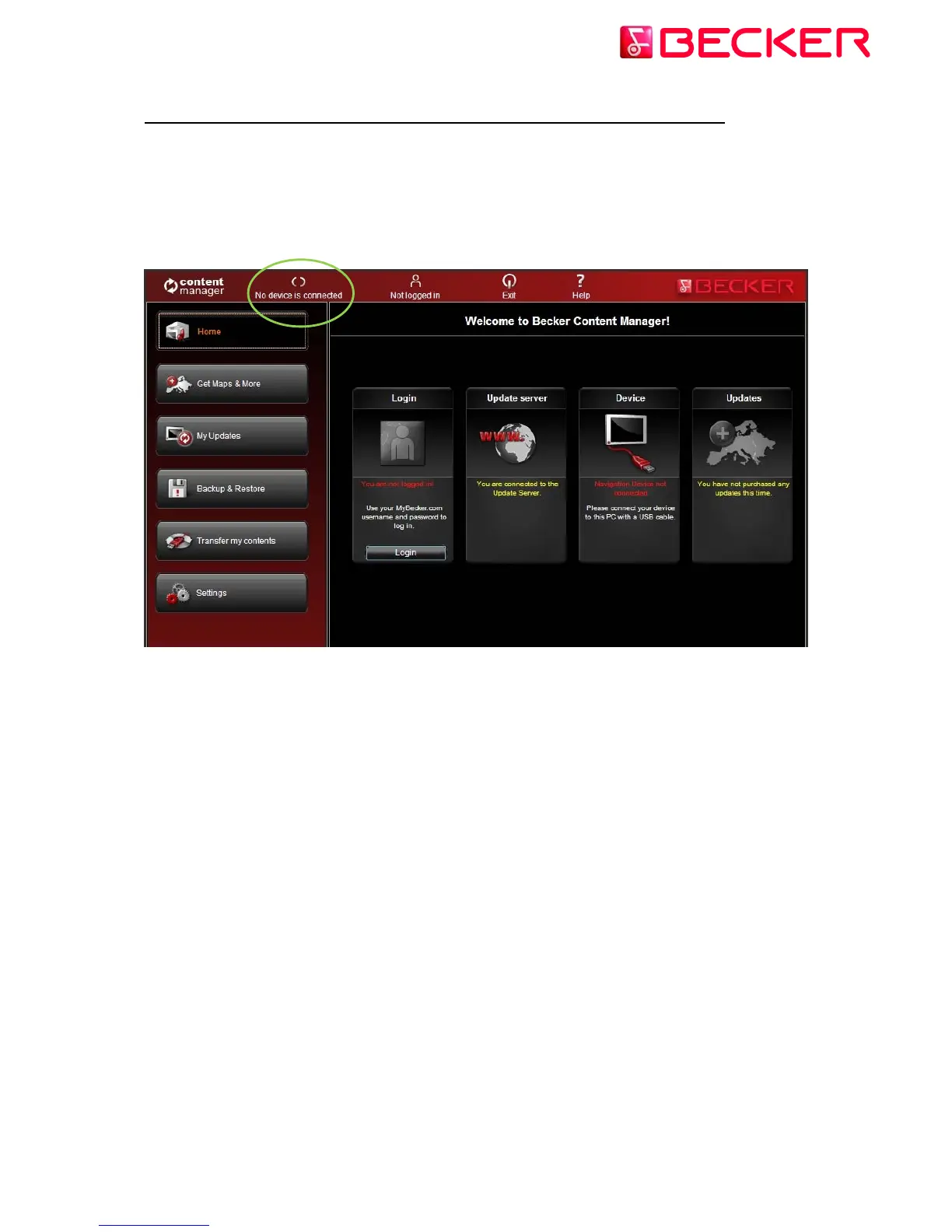
After Content Manager 2.0 has been started, you will see the main page with detailed
instructions on how to start:
So the initial steps are:
1. Connect your Becker PND to your PC.
2. Make sure your PC is connected to the internet.
3. Click the Login button to Log in with your username and password.
Let's see them one by one:
3 © 2010 – United Navigation GmbH



 To Next Page