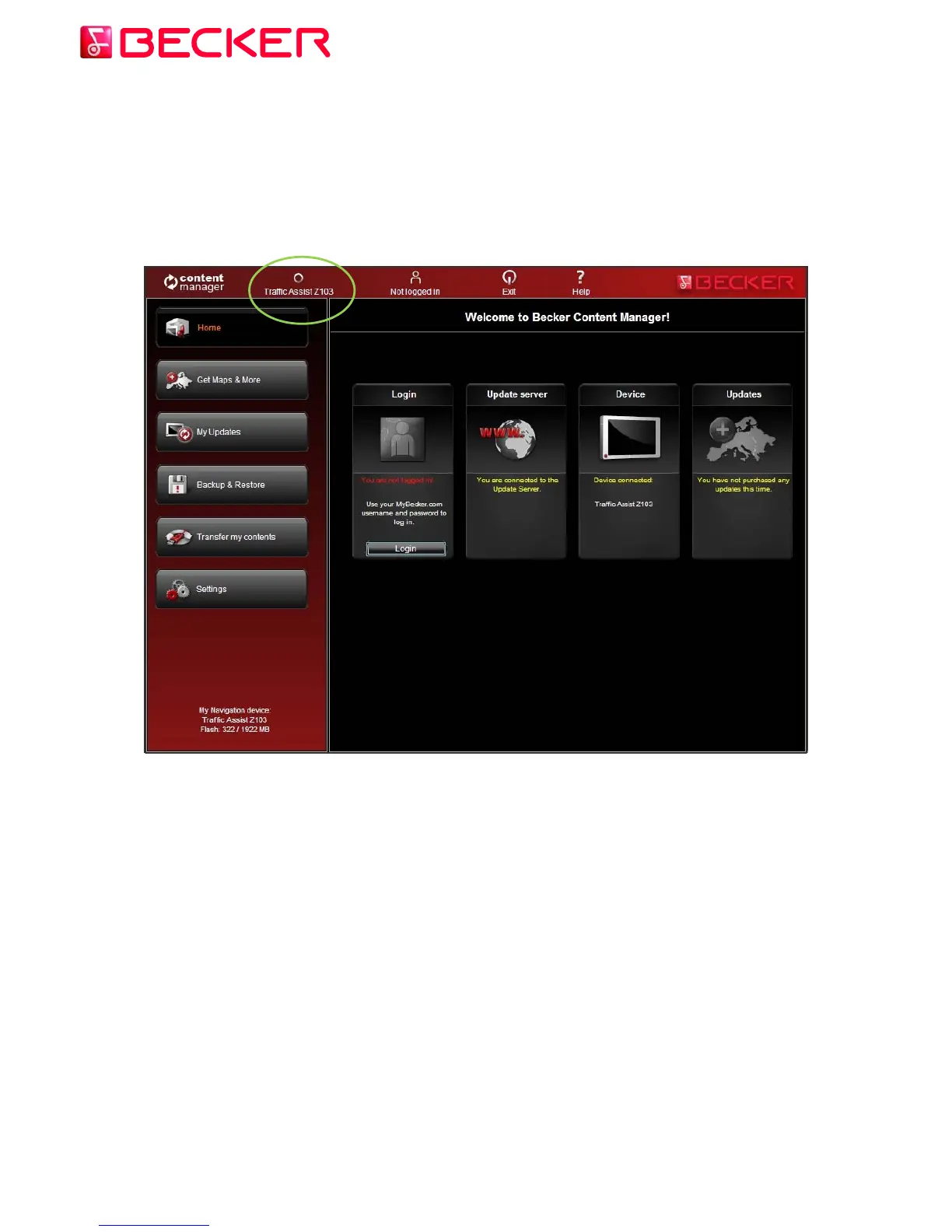
1. Connect your Becker PND to your PC.
You should have received a USB cable with your Becker PND. Use this to connect your
Becker PND to your PC.
When your Traffic Assits is successfully connected the device name will appear on the top of
Content Manager 2.0 window.
2. Make sure your PC is connected to the internet.
Internet connection is required for Content Manager 2.0 to verify if any update is available for
download, and of course later to download it.
© 2010 – United Navigation GmbH 4



 To Next Page