05
5.Basic Operations
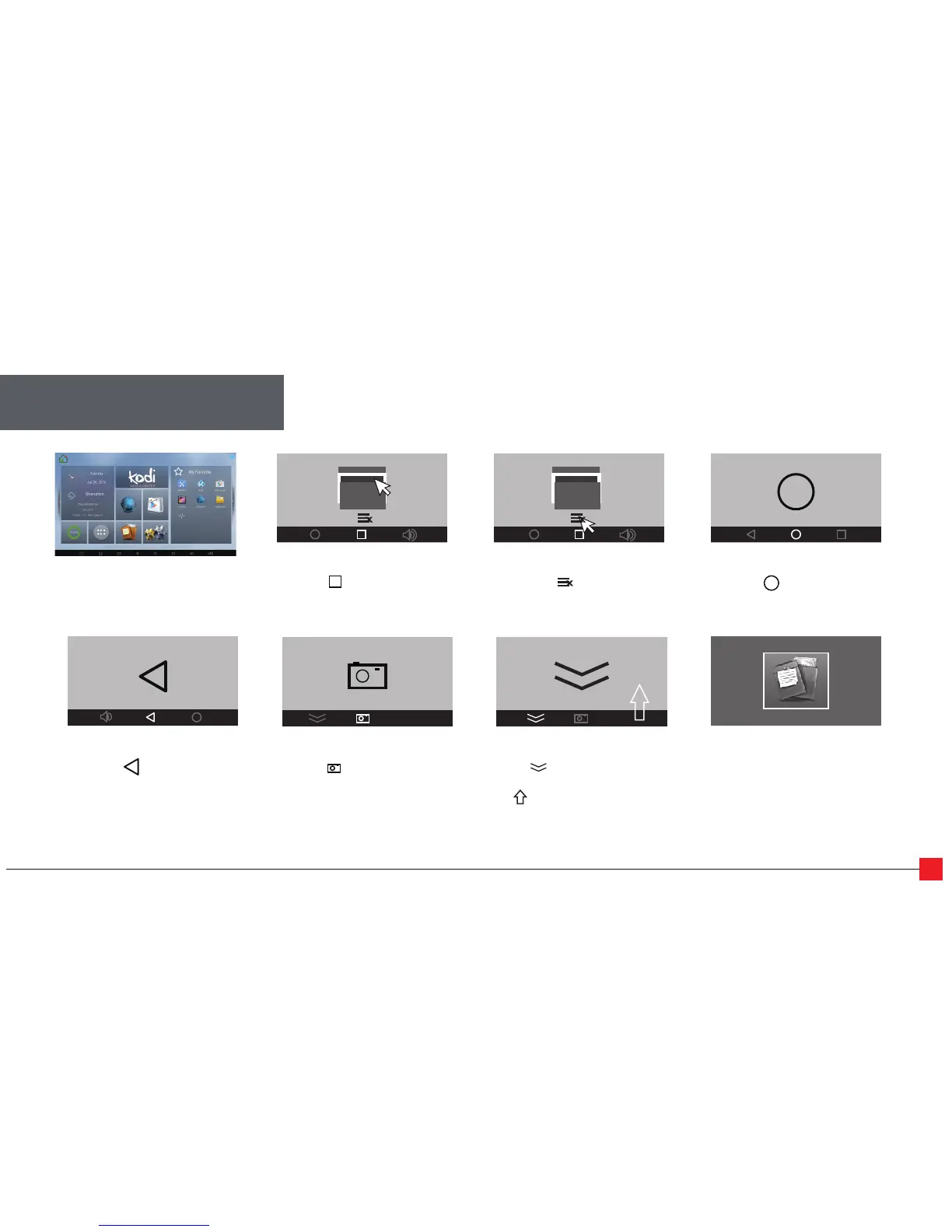
Gobacktopreviousscreen
Clicktheiconintheblack
bottombar,orpresstheright
mousebutton.
Closeapplications
Clicktheicon.Close
Application.
Switchapplications
Clicktheiconintheblack
bottombarandclickanapp
screenshot.
AndroidSystem
Takescreenshots
Clicktheiconintheblack
bottombar.Thescreenshots
willbestoredinyourGallery.
Hidebottombar
Clicktheiconintheblack
bottombartohidethebottom
bar.““Clickthebottomof
thescreenanddragtothetop
tomakethebottombarappear.
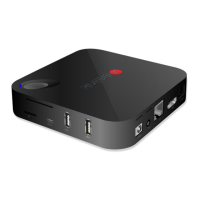
Readexternaldata
InsertUSB,removableharddisk,
orMicroSDintothe
appropriateport.GotoApps,
clickonFileBrowser,andclick
onthehouseicon.Yourdrive
willappearundertheLocalDisk.
Gobacktohomescreen
Clicktheiconintheblack
bottombar.


 To Next Page