Beetronics User Manual | Bedienungsanleitung | Manuel d’utilisation
19 EN
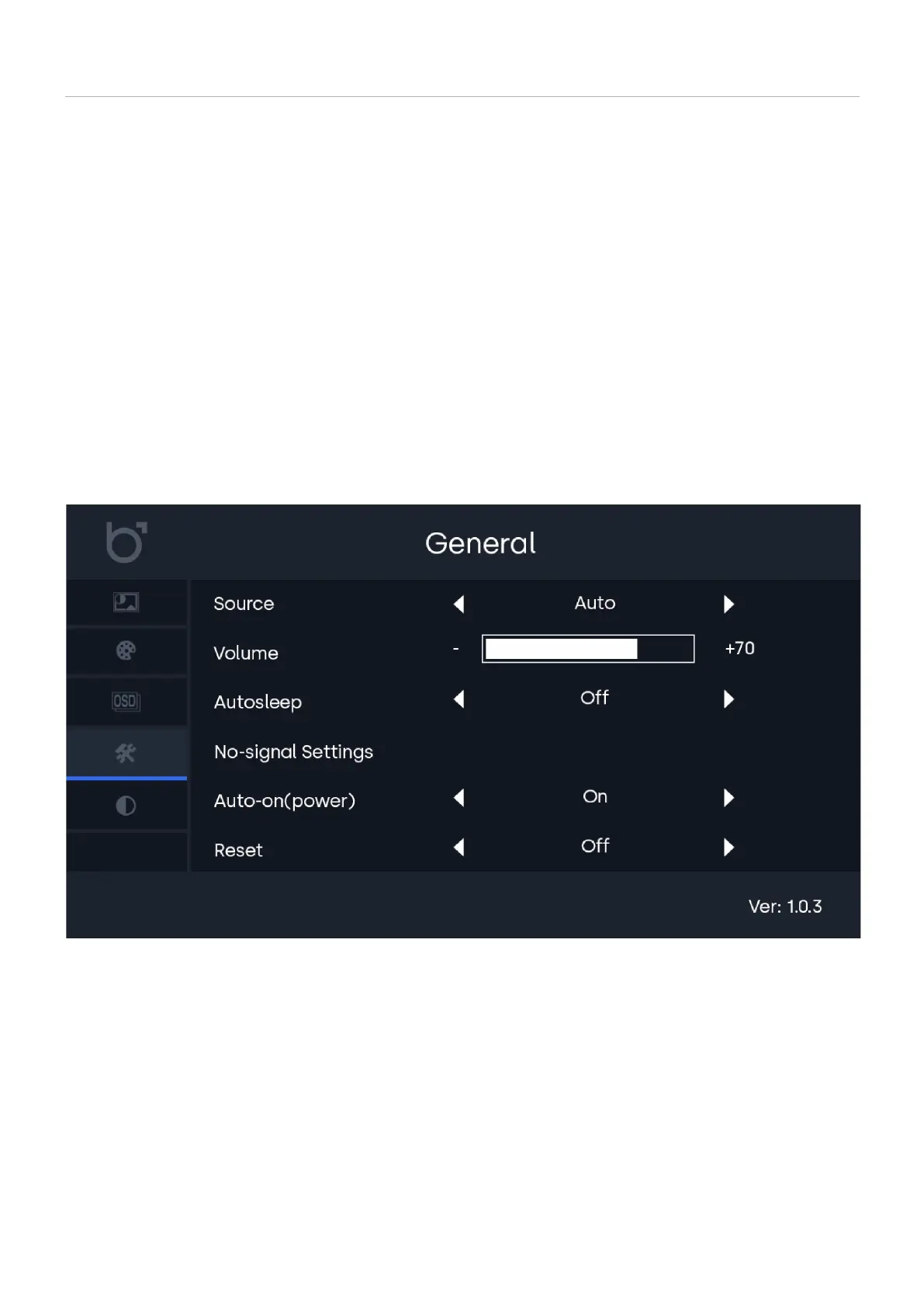
General settings
General settings
01 | Source
02 | Volume
03 | Auto sleep
04 | No-signal Settings
05 | Auto-on (Power)
06 | Reset
-
-
-
-
-
-
Select your desired video input source. Default is Auto.
Adjust speaker volume.
Activate the auto-sleep timer and set the duration.
Define screen behavior when no video signal is detected.
Automatically power on the monitor to the last known channel when it receives power.
Restore all settings to factory defaults.



 To Next Page