Beetronics User Manual | Bedienungsanleitung | Manuel d’utilisation
22 EN
Mounting options
Mounting options
04 | Rack mounting
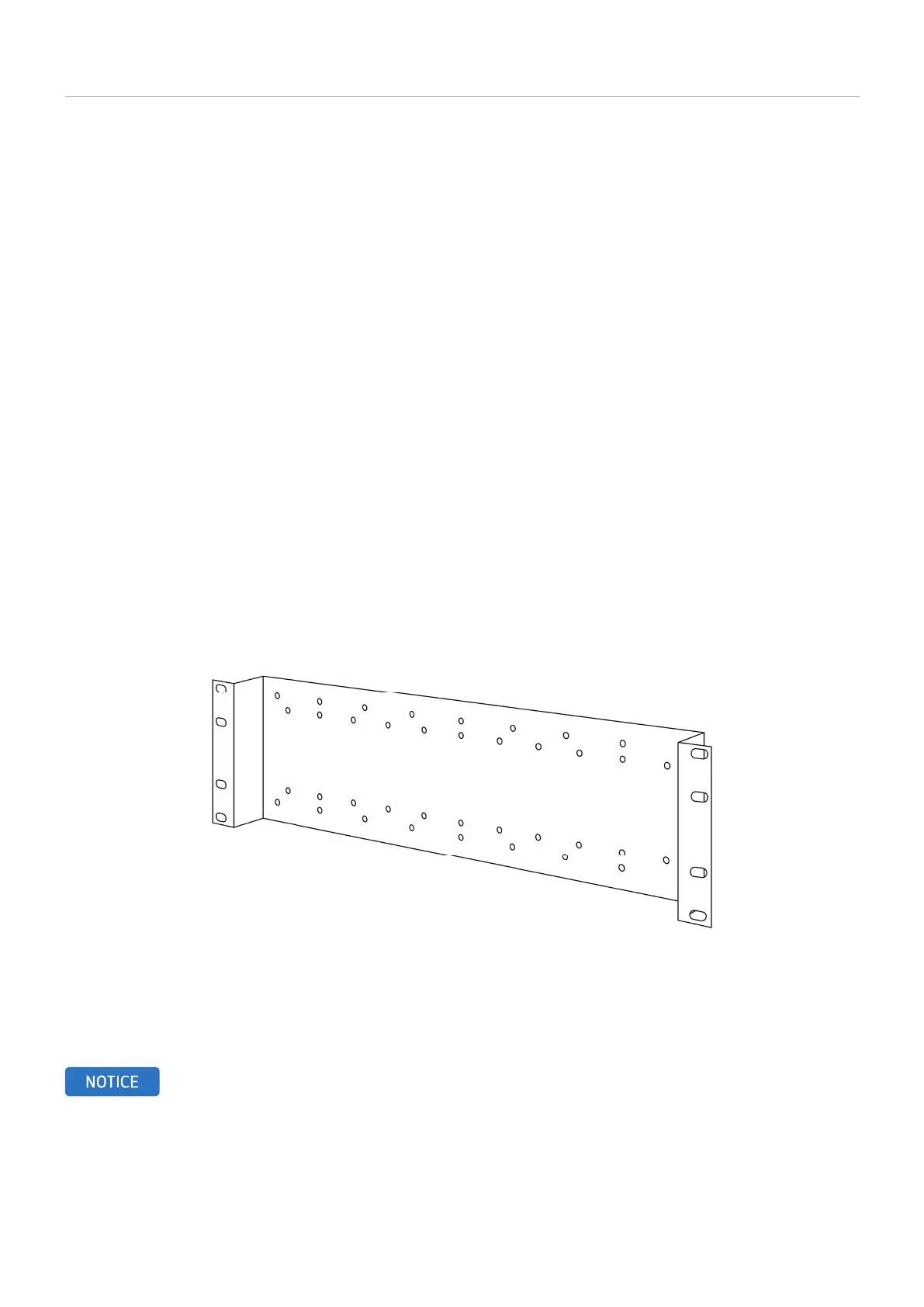
All of our monitors and touchscreens up to 17-inches + the 19VG7M, 19-inch 5:4 model can be used in combination with the RMK7,
19-inch rack mount kit (optional accessory) thanks to the 75mm or 100mm VESA holes on the back of all our monitors and touch-
screens. Depending on the size of monitor purchased, the a single, or multiple displays can be connect via the universal 75mm or
100mm VESA.
How to mount your Beetronics monitor:
1. Install the rack mount kit in your 19-inch rack.
2. Remove the monitor’s stand by removing the 4 screws that attach it to the screen.
3. Using the 4 screws you just removed from the monitor, attach the rack mount kit to the monitor.
NOTICE! The RMK2 rack mount kit is optional and not included as standard.



 To Next Page