5
- Android 2.1 and above
- Nokia Symbian^3, S60 3rd & 5th Editions
For other compatibilities, please refer to our website www.bee-wi.com
1.3. Product Outlook
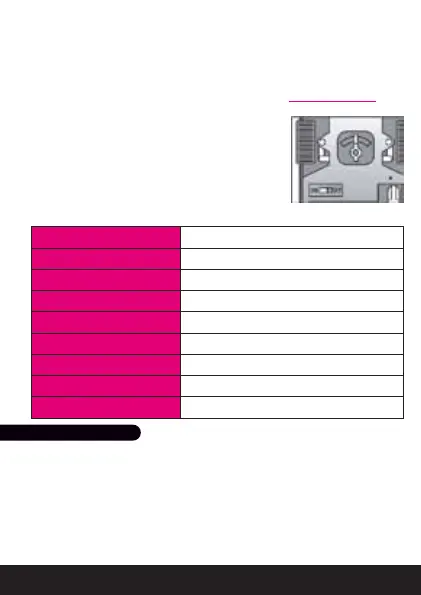
Power on/o: to turn on and o the car.
Trim switch: to align the wheels for straight line
direction - located on the underside of the vehicle,
between the two front wheels.
1.4. Product Specifications
2.1. Battery installation
- Turn the toggle to release the battery door.
- Insert 3 X AA batteries into the battery compartment following the +
/ - marking.
- Lock up to secure battery cartridge in position.
Note: use Alkaline non rechargeable batteries for best performance.
2. I NITIAL SETTINGS
BLUETOOTH CHIP Bluetooth 2.0+EDR, CSR BC4
BLUETOOTH RANGE Class 2, 10 m minimum, 15 m Max
BLUETOOTH PROFILES SPP
BATTERY 3 X AA Cells (not included)
TYPICAL USE TIME Up to 3 Hours (Alkaline batteries)
SERVO CONTROLS 2 forward/backward, direction steering
DIMENSIONS L 180 mm x W 80 mm x H 75 mm
WEIGHT 205 g
SCALE 1:20



 To Next Page