6
ENGLISH
2.2. Android OS Installation
You can install the “BeeWi Control Pad” application by downloading
it directly from Android Market or by moving it from the CD to the
Smartphone internal memory.
On your desktop:
1. Insert the CD in the drive and open it
2. Open the “Android App” folder and copy the “BeeWiControlPad.apk”
file to the memory card or directly to the device using a USB cable.
On your Android device:
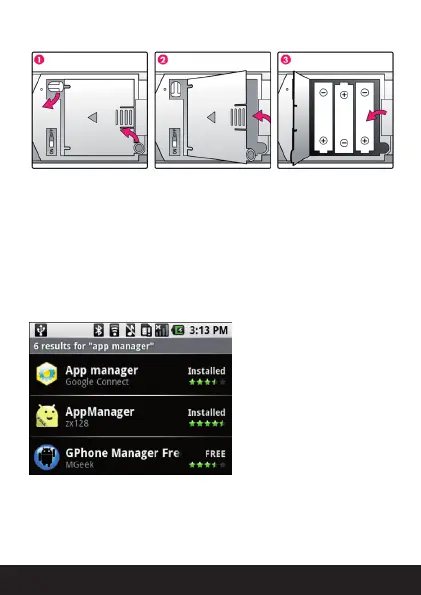
1. Open “Market”, and install
the “AppManager” Software,
or any other Android manager
software
2. Open the “AppManager
“software and tap the MENU
button
3. Tap Install from SD option
4. Run the “BeeWiControlPad.
apk” file
Once the application has been successfully installed, you can launch it
directly. Insure the car has been paired prior to start the application.


 To Next Page
 Loading...