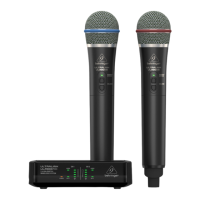
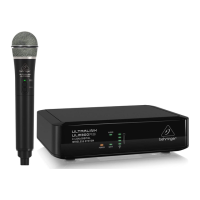
ULTRALINK ULM300USB
Controls
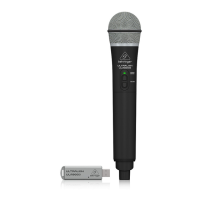
Type of product: Wireless Microphone
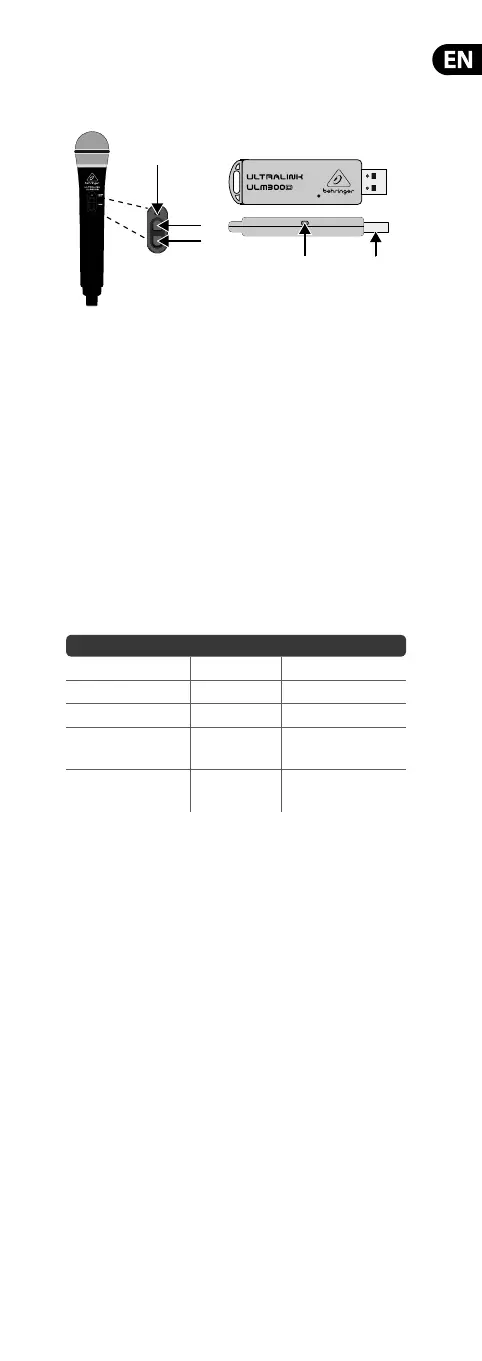
ULM300USB Controls
1. USB connector
2. POWER/STATUS LED
3. VOLUME UP Button (—Power on/-Volume up/-Unmute)
4. VOLUME DOWN Button (-Volume down/—Mute/
—Power o from Mute)
NOTE:“—” (long dash) = long press; “-” (hyphen) = short press.
LED Status Key
The following table describes LED behavior on both the microphone
and the USB wireless receiver:
Activity LED Color LED Behavior
No Signal Amber Flashes on/o slowly
Connected, Active Green Solid
Connected, Muted Green Flashes on/o quickly
Connected, Active,
Low Battery
Green/Red Alternating colors
Connected, Muted,
Low Battery
Green/Red
Alternating colors,
a s h e s o n / o
ULM300USB Getting Started
1. Plugthe USB wireless receiver to the designated
USBsocketon wireless-enabled BEHRINGER mixers,
powered speakers or other compatible products, or to a
USB port on a computer.The POWER/STATUS LED on the
receiverwill slowly ash amber.
2. Press and hold the VOLUME UP button on the wireless
microphone to switch it on andcommence transmission.
Both the LEDs on the wireless microphone and USB wireless
receiver will light solid green once connected.
3. Onceswitched on, the wireless microphone will be set at its
previous operating volume level. Use the VOLUME UP and
VOLUME DOWN buttons to adjust the volume.
4. A long press of the VOLUME DOWN button will put the
wireless microphone into mute. The mute condition is
indicated by rapid green ashing of the LED. If the user does
not unmute within 10 minutes, the wireless microphone will
power down to save battery life.
5. A further long press of the VOLUME DOWN button when in
mute will switch o the wireless microphone.
6. A short press of the VOLUME UP button will unmute the
wireless microphone. When the wireless microphone is
unmuted, it will return to the previous volume level.
(2)
(3)
(4)
(2) (1)
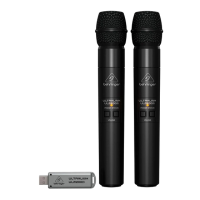
Model: ULM300D
Model: ULM300M


 To Next Page
 Loading...