EasyManua.ls Logo

BeiJer BFI-P2 Series - User Manual

Default Icon
84 pages
Print Icon
To Next Page IconTo Next Page
Loading...
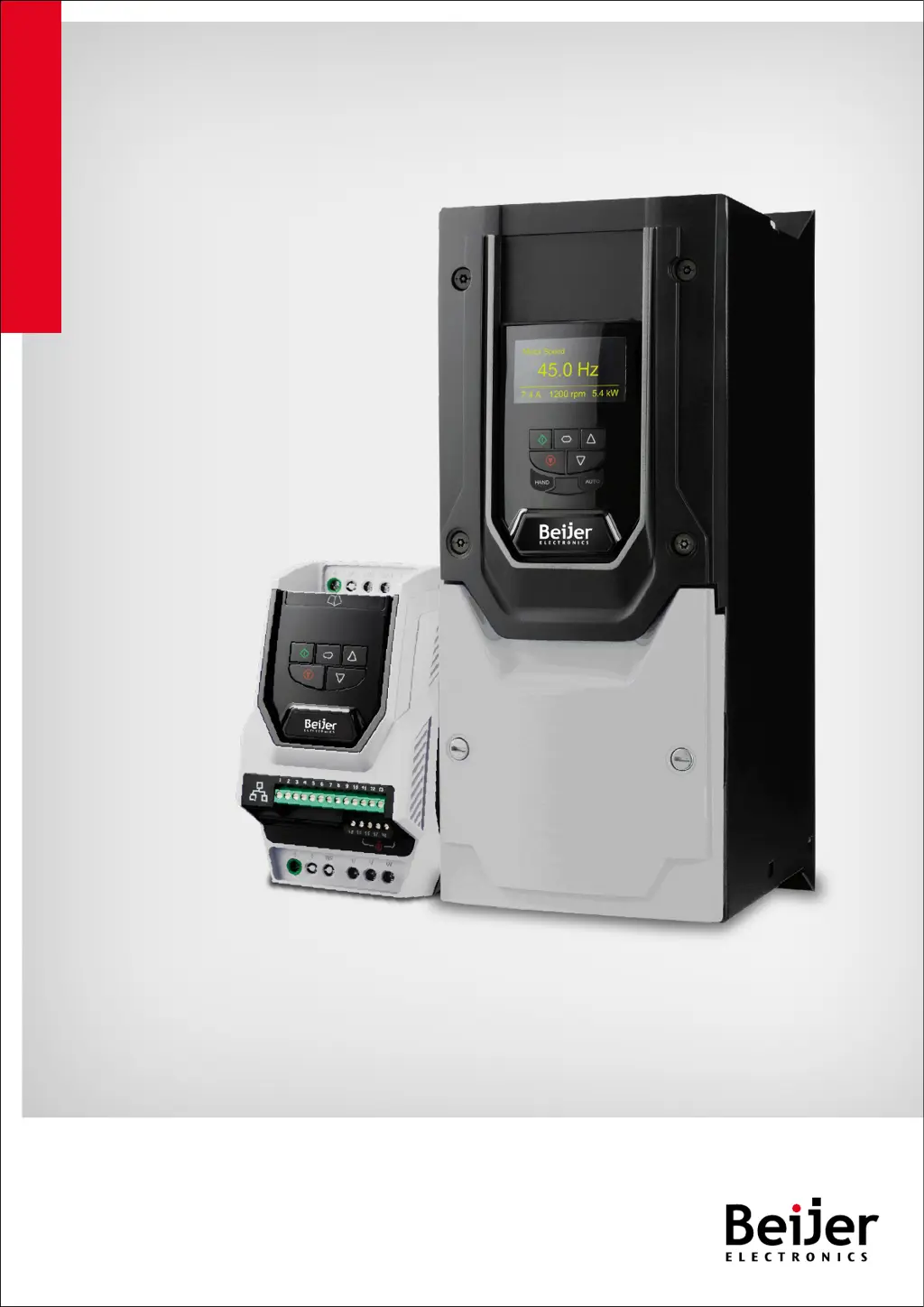
Installation & User Guide
Performance Inverter P2
AC Variable Speed Drives
0.75 - 250kW
200-480V
IP20 - IP55 / NEMA 12 - IP66 /NEMA 4X

Questions and Answers

Summary

Declaration of Conformity

Safe Torque OFF (STO) Function

Details the Safe Torque Off function and its compliance standards.

Quick Start Up

Important Safety Information

Crucial safety warnings and precautions for installation and operation.

Quick Start Process

Step-by-step guide for initial drive setup and installation.

Mechanical Installation

Electrical Installation

Protective Earth (PE) Connection

Guidelines and requirements for proper grounding and earthing connections.

Incoming Power Connection

Information on connecting the main power supply to the drive.

Connecting a Brake Resistor

Instructions for connecting an external brake resistor to the drive.

Control Terminal Wiring

General rules for routing and connecting control cables.

Motor Thermal Overload Protection

Information on internal thermal overload protection and thermistor connections.

EMC Compliant Installation

Recommendations for installing the drive to meet EMC compliance standards.

Safe Torque Off (STO) Overview

Introduction to the Safe Torque Off function and its purpose.

STO Responsibilities

Defines the system designer's responsibility for STO function implementation.

STO Functionality and Limitations

Explains STO benefits, what it doesn't provide, and its operational aspects.

STO Response Time and Wiring

Details STO response times and recommended wiring practices.

Enabling, Testing, and Maintenance of STO

Procedures for enabling, testing, and maintaining the STO function.

Keypad and Display Operation

Keypad and Display Layout

Overview of the keypad buttons and display elements for TFT and OLED models.

Changing Parameters

Step-by-step guide on how to modify drive parameters via the keypad.

Parameter Reset Procedures

How to perform factory or user default parameter resets.

Resetting Drive After a Trip

Methods to reset the drive after a fault condition has occurred.

Keypad Shortcuts

Useful shortcuts for navigating parameters and adjusting values quickly.

Parameters

Parameter Group 1 - Basic Parameters

Details essential parameters for motor identification and basic configuration.

Control Terminal Functions

Control Source Selection

Defines primary control sources like terminals, keypad, fieldbus, and PID.

Macro Function Guide

Explains the functions assigned to digital inputs based on P1-13 settings.

Digital Input Configuration (P1-13)

Detailed table showing P1-13 settings for digital inputs and their functions.

Extended Parameters

Parameter Group 2 - Extended Parameters

Lists parameters for extending drive functionality, including preset speeds and outputs.

Advanced Parameters

General information on advanced parameters, referring to PC software for details.

Serial Communications

Technical Data

Derating Information

Explains when and how to derate the drive's output current capacity.

Troubleshooting

Fault Messages

Lists common fault codes, descriptions, and corrective actions for troubleshooting.

BeiJer BFI-P2 Series Specifications

General IconGeneral
BrandBeiJer
ModelBFI-P2 Series
CategoryDC Drives
LanguageEnglish

Related product manuals