GB
7-6
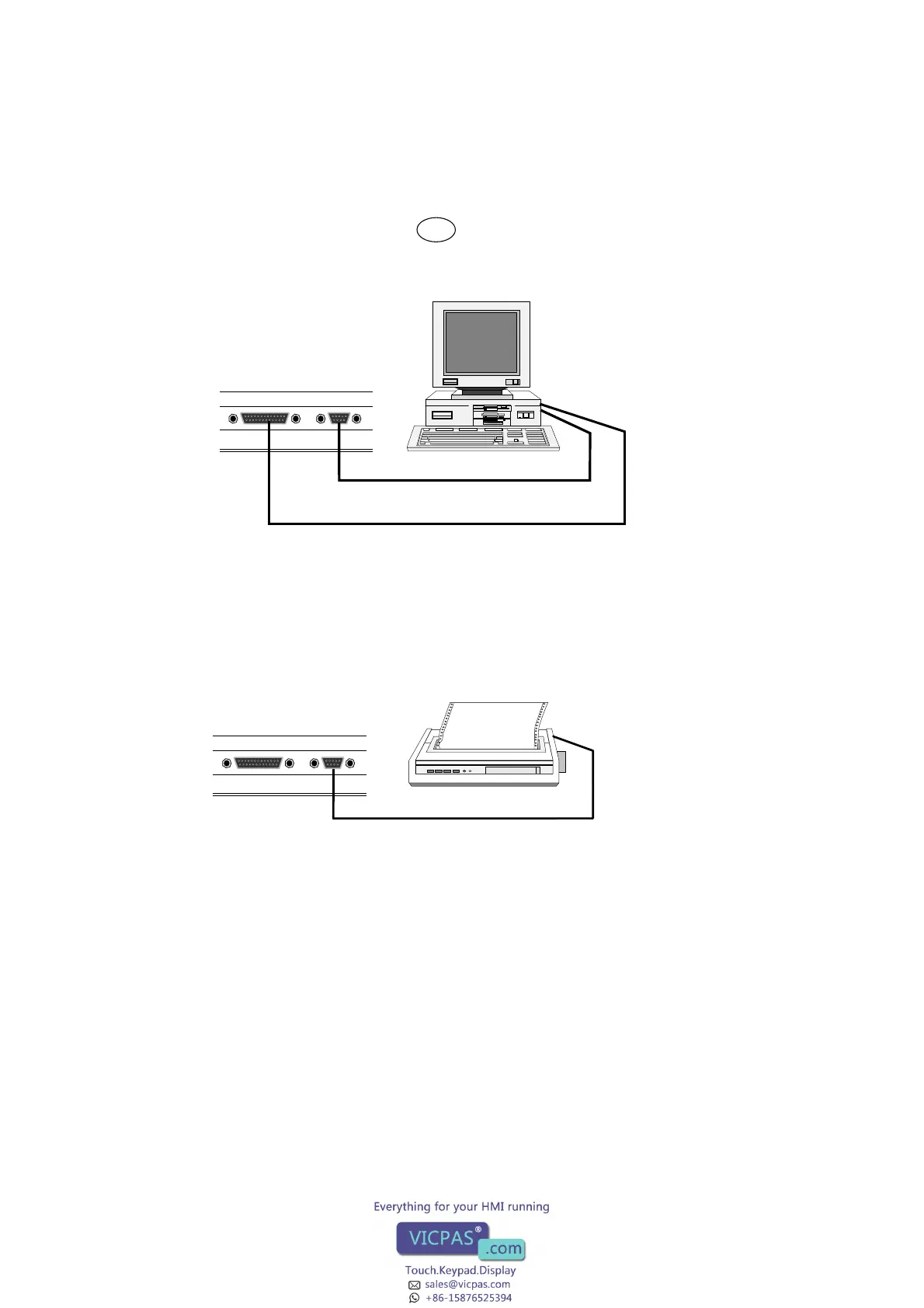
Connection to a personal computer
To program the terminal it is recommended that the PC software is used. To install the PC
software see the manual for this product. The communication parameters in the terminal
and in the PC software should be set in the same way.
Connection to a printer
The printer should have a serial interface and be equipped with IBM character set. Refer to
the printer manual for the correct configuration. If you want to connect the terminal to a
printer with a parallel interface you have to use the expansion card IFC PI. See the manual
for IFC PI for further information.
Cable 1
RS422
RS232C
Personal computer
Cable 2
RS422
RS232C
MAC-PRINT-CAB
Printer



 To Next Page