C-2
AJ71C24
AJ71UC24
The settings of the switches must correspond with the communication settings in E-
Designer and in the terminal.
For more detailed information see the manual for the module.
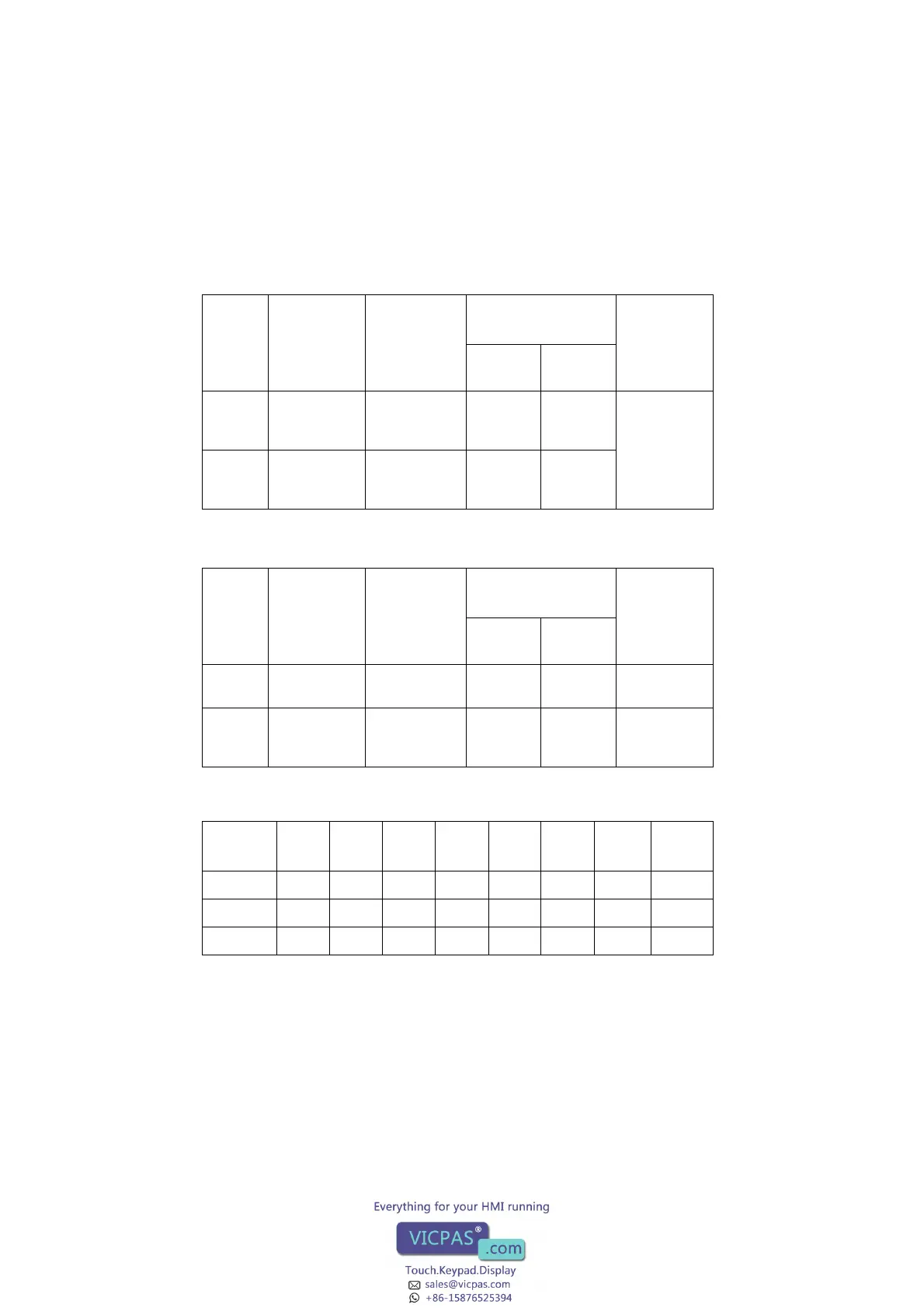
Switch
Default
comm.
settings in
software to
E-series
Setting items
Position of Setting
Switch
Notes
ON OFF
SW23 OFF Send area ter-
minal resis-
tance
Present Absent Valid only
when SW11 is
ON
SW24 OFF Receive area
terminal resis-
tance
Present Absent
Switch
Default
comm.
settings in
software to
E-series
Setting items
Position of Setting
Switch
Notes
ON OFF
SW23 ON Computer link/
Multidrop
Com-
puter link
Multidrop
link
Must be ON
SW24 OFF Multidrop set-
tings
Master
station
Local sta-
tion
Valid only
when SW23
is OFF
Baud
rate
300 600 1200 2400 4800 9600 19200
Un-
usable
SW13 OFFON OFFON OFFON OFF ON
SW14 OFF OFF ON ON OFF OFF ON ON
SW15 OFF OFF OFF OFF ON ON ON ON



 To Next Page