Using the TV
Turning on for the first time and Tuning
TV controls
Stand-By mode
7
Please Note: If you will not be using your
TV for a long time, do not leave it in Stand-
By mode, instead switch it off from the power
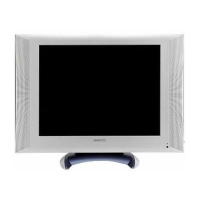
button on the front panel of the TV set
and switch off or unplug at the mains plug.
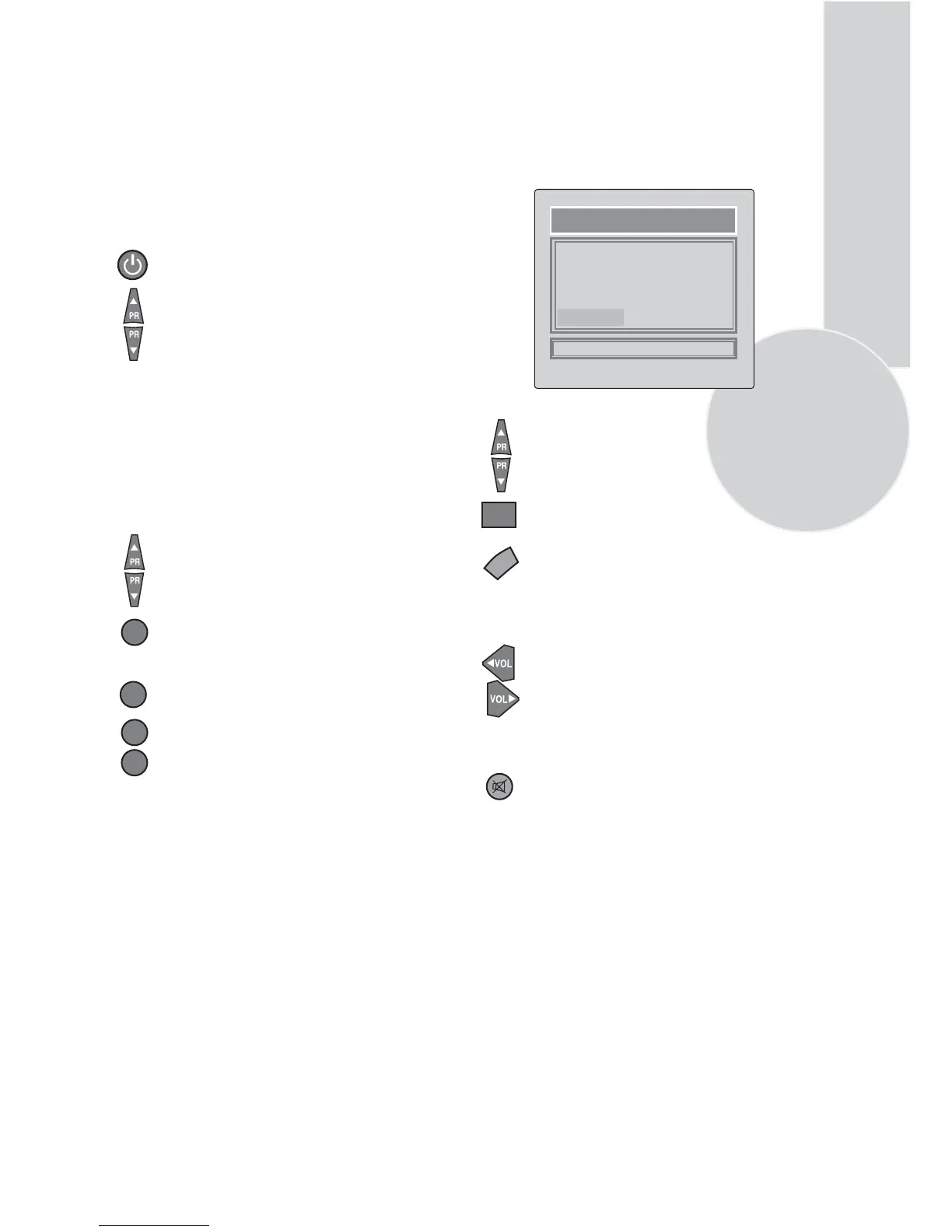
When your TV is operating, press the
red “STAND-BY” button on the right
upper corner of your remote control
to switch to standby and the Stand-
By indicator (Led) will be brighter.
To turn on your TV again, press a
numeric button or (Program up or
Program down).
You can also select a program by
pressing the Yellow button to
display the Program Table.
PROGRAM TABLE
05.
06.
07.
08.
09.
10.
11.
12.
13.
14.
00. ----
01.
02. BBC
03.
04.
SKIP
MOVE
DELETE
NAME
Programme selection
Press the Program up or Program
down buttons on the TV or remote
control or press a Numeric button
to select a programme.
To select a programme whose
number is greater than 9 using the
numeric buttons, press the -/--
button first and then press the two
Numeric buttons. For example, to
-/--select programme 12, press the
button followed by
and then12
.
1
-/--
1
2
Mute
To mute the sound press the Mute
button on the remote control. A
loudspeaker symbol will appear on
the screen.
Use the Program up and Program
down buttons to scroll through the
programme numbers. When you
find the program number you want
press theOK button again.
Press theTV/TX button to exit the
Program Table.
Volume
Press the Volume + or Volume -
button on the TV or the Vol or
Vol button on the remote control.
A sound level bar will appear on the
screen.
▲
▲
OK
TV/TX
Please refer to the tuning section on
page 8.



 To Next Page