9
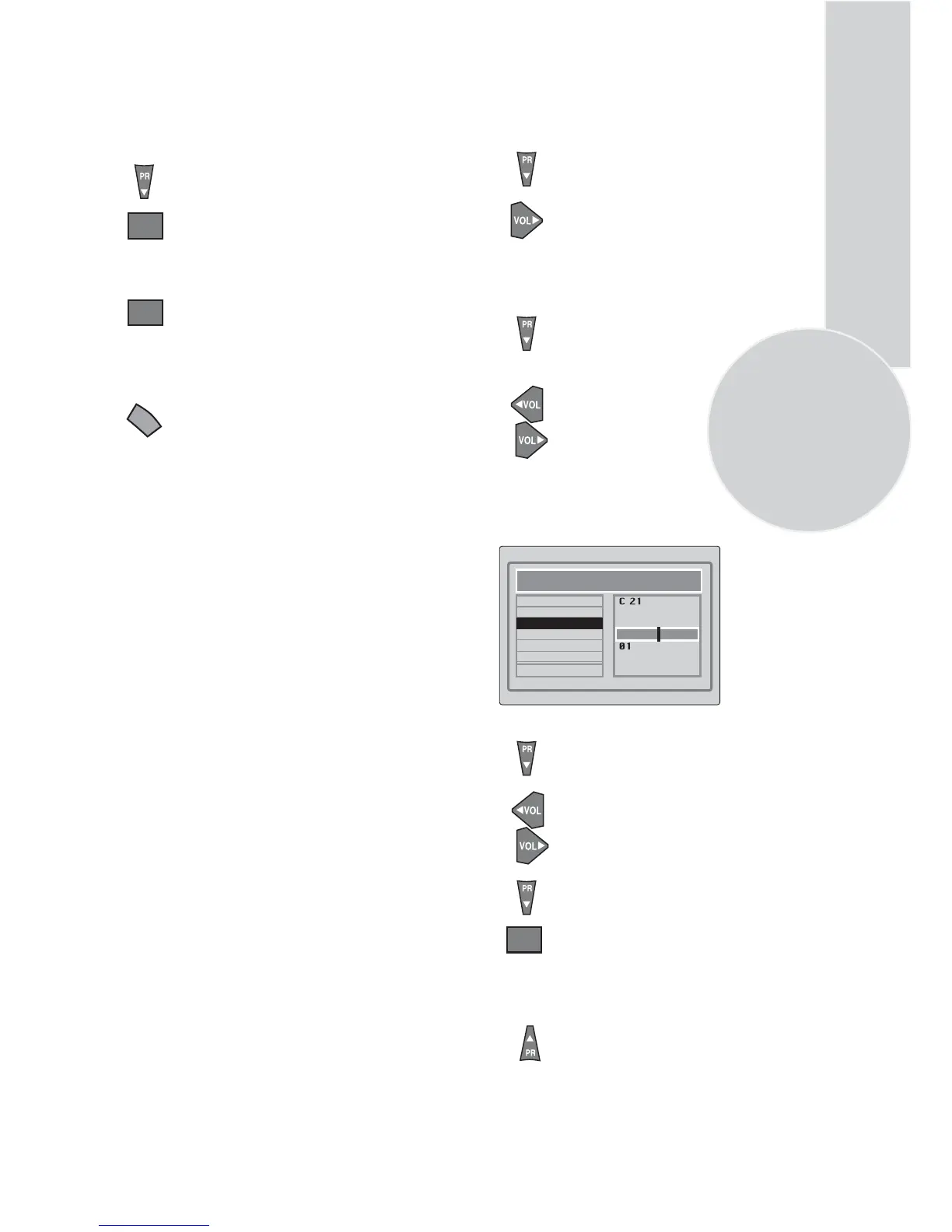
In the Setup menu select
PROGRAM NO
using
the Program down button
and use the Volume up
button to change the Program No
to 01.
Starting with Program 01, tune
in the first channel as follows:
Use the Program down button
to select SEARCH.
Press the Volume up or Volume
down button to start the tuning
search.
When the search finds a strong
channel signal it will stop
searching. The picture will appear.
Use the Program down
button to
select PROGRAM NO.
Use the
Volume up/down
or numeric
buttons
to select the desired
programme number.
Use the Program down button to
select STORE. Press theOKbutton
and STORED will appear on the
STORE line.
You have now stored the first
channel.
Use the Program up button to
select SEARCH again and
continue the tuning procedure
until you have tuned in all the
programmes you want or the
television can receive.
OK
Manual tuning
If you want to tune manually:
Ensure the aerial is connected
properly press the OK button.
Autoprogam will start.
Use the Program down button to
select AUTOPROGRAM and
the OK button. A list of
countries will appear. Select
the desired country (UK) using
Program and Volume buttons.
press
To cancel Autoprogram whilst it
is
working press the Menu button
it will appear briefly on the screen
repetitively.
Please note:
If auto sort fails to arrange the programmes
in the required sequence please refer to
programme organising.(PAGE 11)
before the search continues.
OK
OK
SETUP
CHANNEL
SYSTEM
SEARCH
FINE TUNE
PROGRAM NUMBER
AUTO PROGRAM
STORE
the TV will exit the menu system.
Please note
If you do not press any buttons for 15 seconds
Your TV is now tuned and ready to use.
As Autoprogram stores a channel
I
MENU



 To Next Page