EasyManua.ls Logo

Beko MOC 20100 WFB - User Manual

Beko MOC 20100 WFB
24 pages
Print Icon
To Next Page IconTo Next Page
Loading...
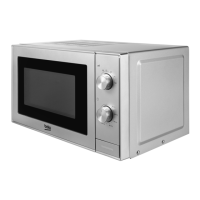
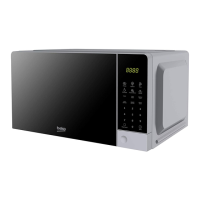
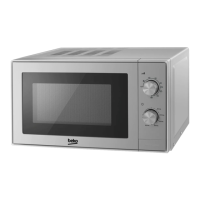
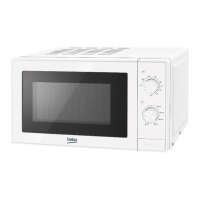
MOC 20100 WFB - MOC 20100 BFB - MOC 20100 SFB
EN
01M-8910903200-2023-03
01M-8910913200-2023-03
01M-8910923200-2023-03
User Manual
Microwave Oven

Questions and Answers

  • C
    carpenternancyJul 30, 2025
    What to do if my Beko Microwave Oven fails to operate?
    • R
      Robert SimonJul 30, 2025
      If your Beko Microwave Oven isn't working, first, make sure it's properly plugged into the outlet. If it is, unplug it, wait 10 seconds, and then plug it back in firmly. Also, check your circuit fuse or main circuit breaker to see if they've blown or tripped. You might also want to test the outlet with another appliance to ensure it's working. Finally, ensure that the control panel is correctly programmed and the timer is set and that the door is securely closed, engaging the door safety lock system.

Summary

1 Important safety and environmental instructions

1.1 Safety warnings

Essential safety precautions for operation, installation, and usage to prevent hazards.

3 Installation and connection

3.4 Grounding instructions

Essential information and warnings regarding the grounding of the microwave oven.

4 Operation

4.1 Control panel

Detailed explanation of the microwave oven's control panel and its functions.

4.2 Operation

Instructions on how to operate the microwave oven for cooking sessions.

6 Troubleshooting

If the oven fails to operate

Solutions for common problems, specifically when the oven fails to operate.

Beko MOC 20100 WFB Specifications

General IconGeneral
TypeMicrowave Oven
Appliance placementCountertop
ColorWhite
Capacity20 liters
Microwave power700 W
Control TypeMechanical
TurntableYes
Turntable Diameter245 mm
Number of power levels5
GrillNo
ConvectionNo
Turntable size24.5 cm

Related product manuals