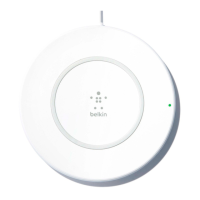
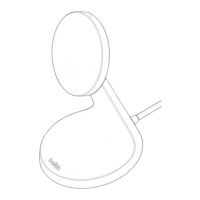
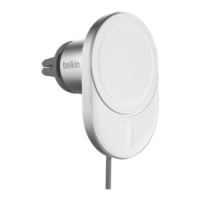
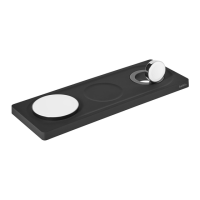
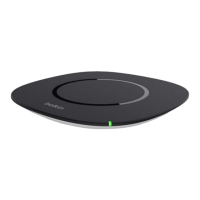
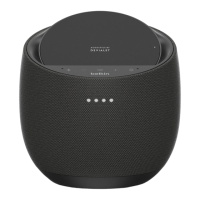
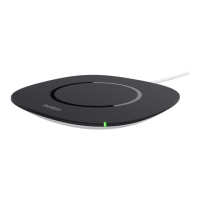
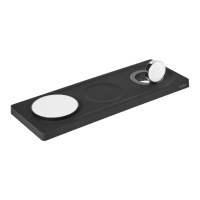
The Belkin BOOST↑CHARGE™ Magnetic Portable Wireless Charger, BPD001 gives you one magnetic
wireless charger with dual functions. Use it as a wireless charging pad at home or as a power bank on the go.
This article will show you how to properly charge your devices using the Belkin BPD001.
Step 1:
Make sure your Belkin BPD001 is properly charged.
Step 2:
Choose between two ways to charge your phone:
Wireless charging - Place the back of your phone on top of the charger then press the button located
on the side of the Belkin BPD001.
How to charge your devices using the Belkin BPD001

 Need help?
 General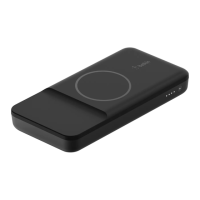

 To Next Page