5
Secure DVI-I KVM Switch with Audio
OVERVIEW
SECTIONSTable of Contents 1 2 3 4 5 6 7 82
Equipment Requirements
Cables
Belkin highly recommends you use Belkin DVI/USB KVM Cable Kits
for your Switch to help ensure superior performance. These cables
offer the highest quality possible to ensure optimal data and video
transmission. One Cable Kit is required per connected computer.
Belkin DVI-D/USB KVM Cable Kits with audio:
F1D9012b06 – 6 ft. (1.8m)
F1D9012b10 – 10 ft. (3m)
F1D9012b15 – 15 ft. (4.6m)
Belkin DVI-A to HD15/USB KVM Cable Kits with audio (support
analog video only):
F1D9015b06 – 6 ft. (1.8m)
F1D9015b10 – 10 ft. (3m)
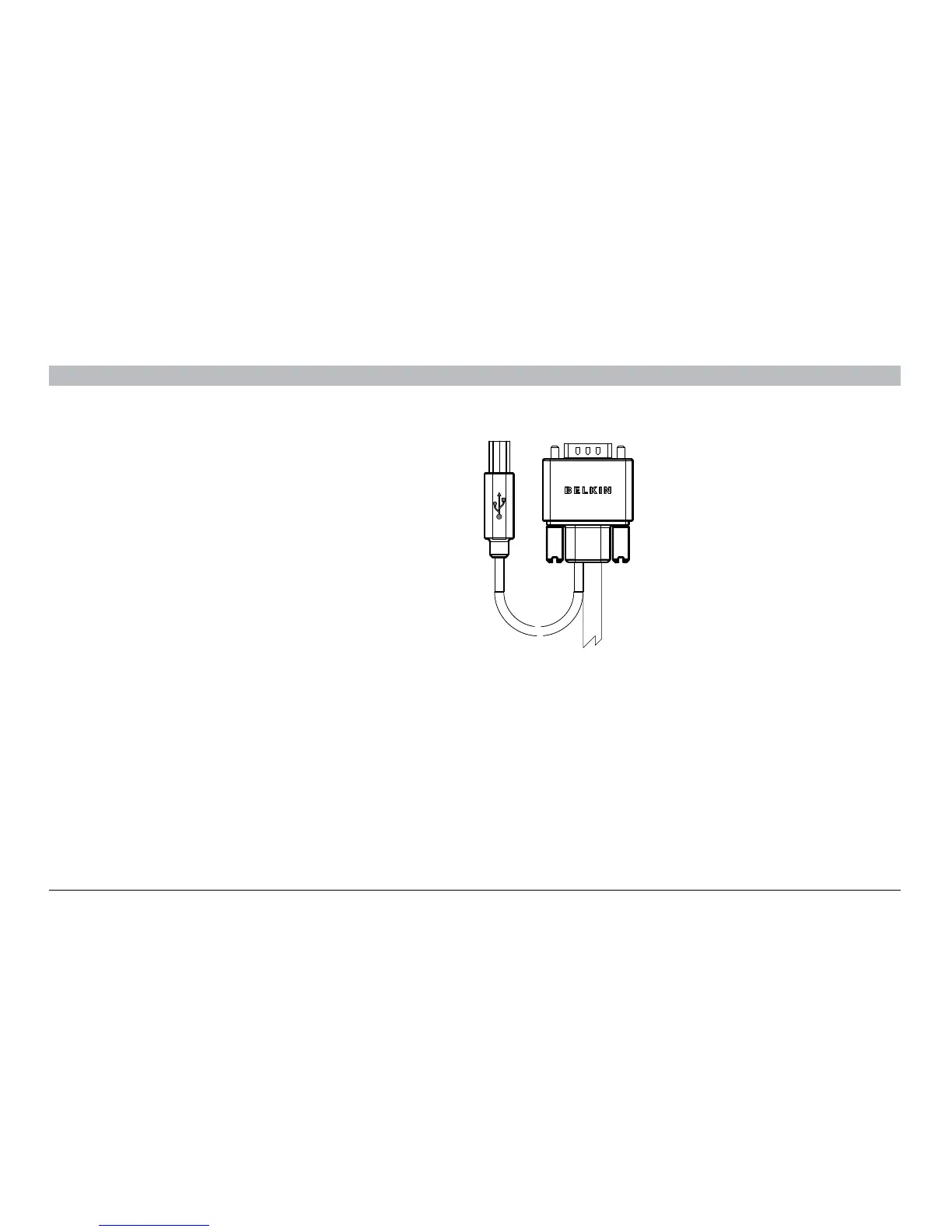
Belkin CAC USB A/B Cable (F1DN102C, F1DN104C models only)
F1D9013b06 – 6 ft. (1.8m)
F1D9013b10 – 10 ft. (3m)
F1D9013b15 – 15 ft. (4.6m)
Note: Due to USB and DVI signal limitations, the cable length cannot
exceed 15 feet (4.6m).
Insert color chip Remove color chip
with a standard paperclip
Console
12V, 1.5A
Audio
Display
PS2 K PS2 MMouse Keyboard
CAC
4
K/M CACAudio
Video
3
K/M CACAudio
Video
2
K/M
CAC
Audio
Video
1
K/M CACAudio
Video







 To Next Page