1
Belkin Advanced Secure 2-port Flip KVM Switch User Manual
INTRODUCTION
SECTIONS
Table of Contents
2 3 4 5 61
Thank you for purchasing this Belkin Advanced Secure 2-port Flip
KVM Switch. This Switch is designed for use in secure environments
comprised of sources with different security levels. Providing the
highest security safeguards and features, this product meets all
required cyber prevention requirements.
This User Manual provides all the details you’ll need to install and
operate your new product and to troubleshoot it in the unlikely event
of a problem.
Why use the Belkin Secure Flip KVM Switch?
Belkin’s Advanced Secure DVI-D 2-port Flip KVM Switch is the first
secure KVM in the industry specifically designed for 2-computer
scenarios.
Many users in large organizations are required to switch between two
isolated networks and call for a KVM solution that is both secure and
cost-effective.
Most secure KVMs are high cost and require a lot of desktop space.
Belkin’s Flip KVM Switch addresses both the form factor and the price
level issues. It is both compact and low cost and arrives with all cables
integrated.
It is designed and tested to integrate seamlessly with systems and
peripherals used by government, agencies, defense, intelligence,
finance and any other high-security profile company.
Package Contents
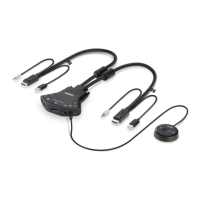
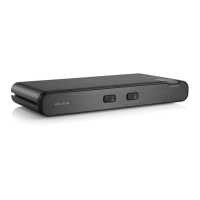
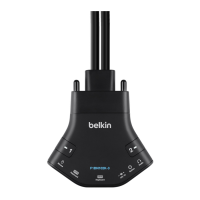
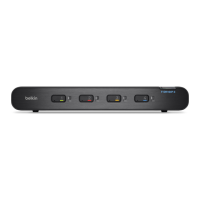
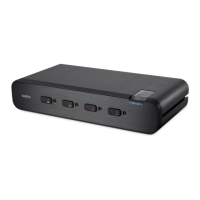
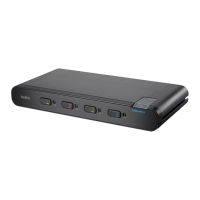
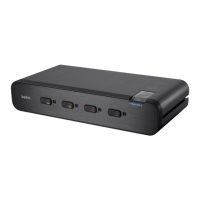
• Belkin Advanced Secure Flip KVM Switch
• 12V 1A DC Power Supply
• Remote Control Unit
• User Manual
Please note: Belkin Secure KVM Products cannot be upgraded,
serviced or fixed.
Important Security Note: If you are aware of potential security
vulnerability while installing or operating this product, we encourage
you to contact us immediately at the following email address:
gov_security@belkin.com
Important: This product is equipped with an always-on active anti-
tamper system. Any attempt to open the enclosure may activate the
anti-tamper system and render the unit permanently inoperable. If
the unit’s enclosure appears disrupted or if all the port LEDs flash
continuously, please call Belkin Technical Support at 1 (800) 282-2355
Revision
A – Initial Release, 23 Feb 2015
B – Updates to User Guidance, 26 April 2015
C – User Guidance changes, 16 June 2015


 To Next Page
 Loading...