QUICK SETUP GUIDE
1
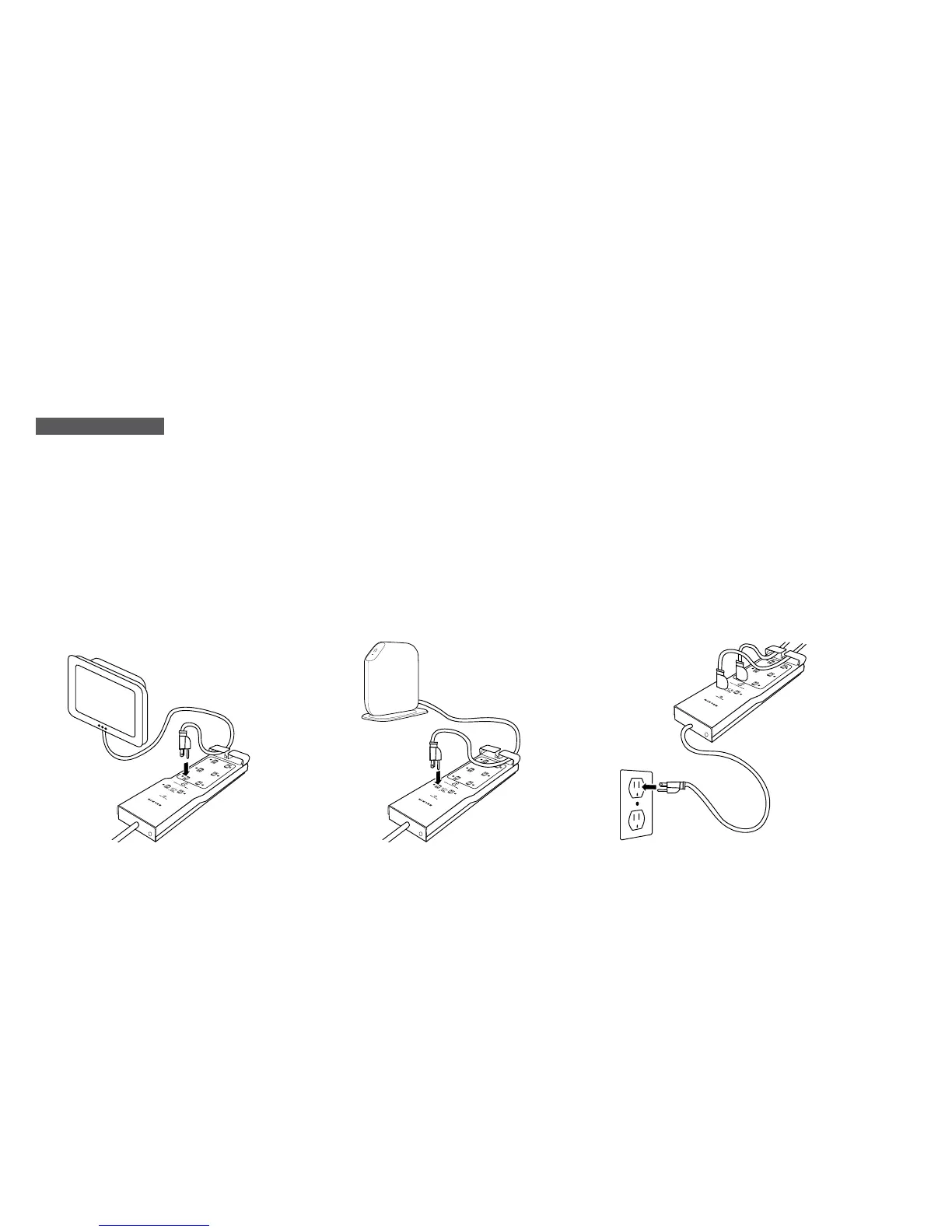
Plug in any of your devices that
do not require constant, round-
the-clock power into one of the
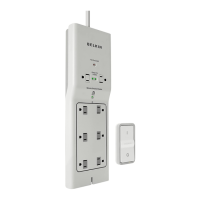
Conserve Switch Surge Protector’s
Remote-Switched Outlets.
Recommended devices include:
.
Computers
.
Monitors
.
Printers
.
Computer Speakers
.
External Hard Drives
.
Paper Shredders
.
Lamps
2
Plug in any of your devices that
require constant, round-the-clock
power into one of the Conserve
Switch Surge Protector’s Always-
On Outlets. Recommended
devices include:
.
Wireless Routers
.
Modems
.
Cordless Phones
3
Plug your Conserve Switch’s power
cord into a wall outlet.


 To Next Page