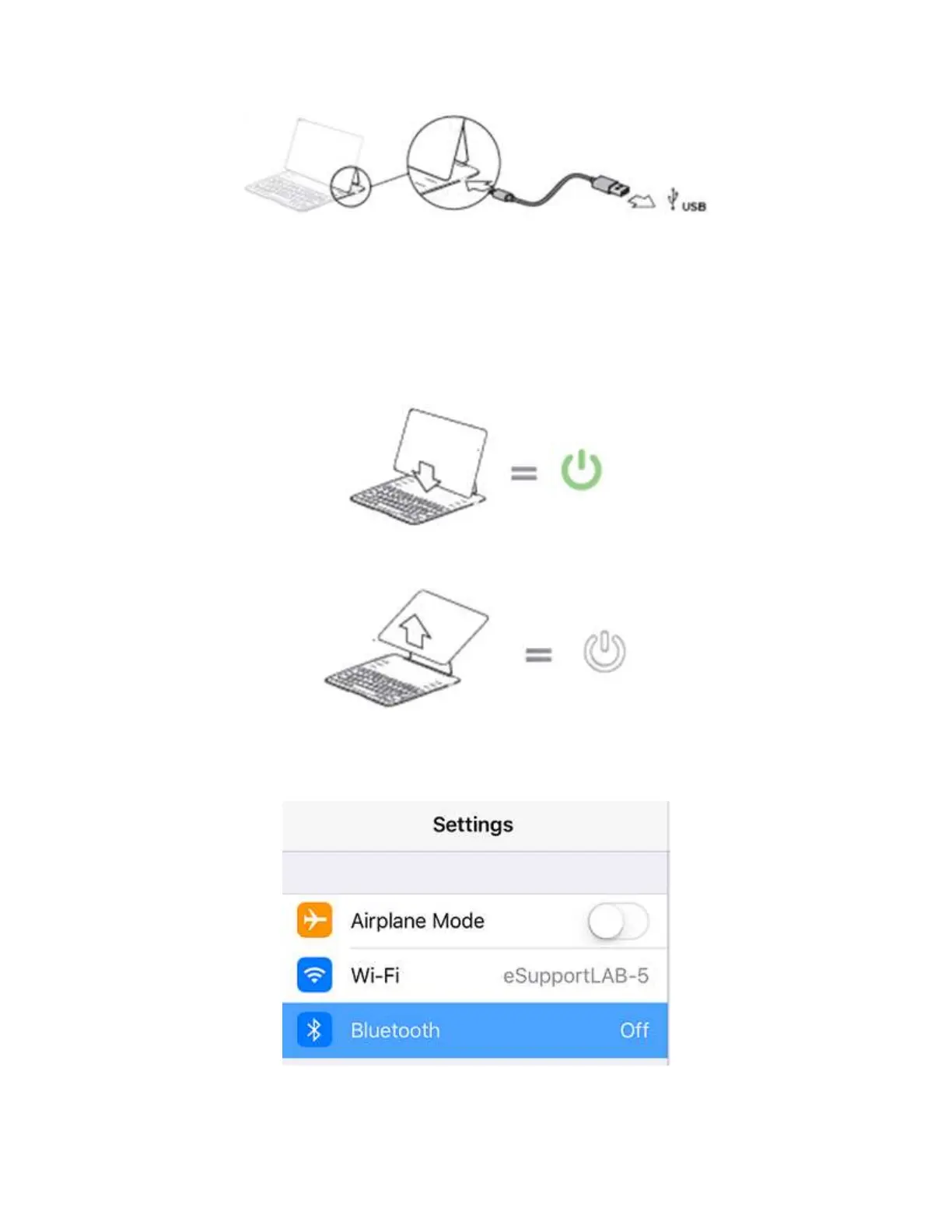
NOTE: The indicator light will be solid orange while charging. The indicator light will turn OFF
when charging is complete.
On the setup instructions shown below, the iPad Air® 2 was used.
Step 1:
Position your iPad Air 2 on the Belkin Keyboard to turn it ON.
QUICK TIP: Detaching your iPad Air 2 from the Belkin Keyboard will turn OFF the keyboard.
Step 2:
On your iPad Air 2, go to Settings and tap Bluetooth.
Step 3:



 To Next Page