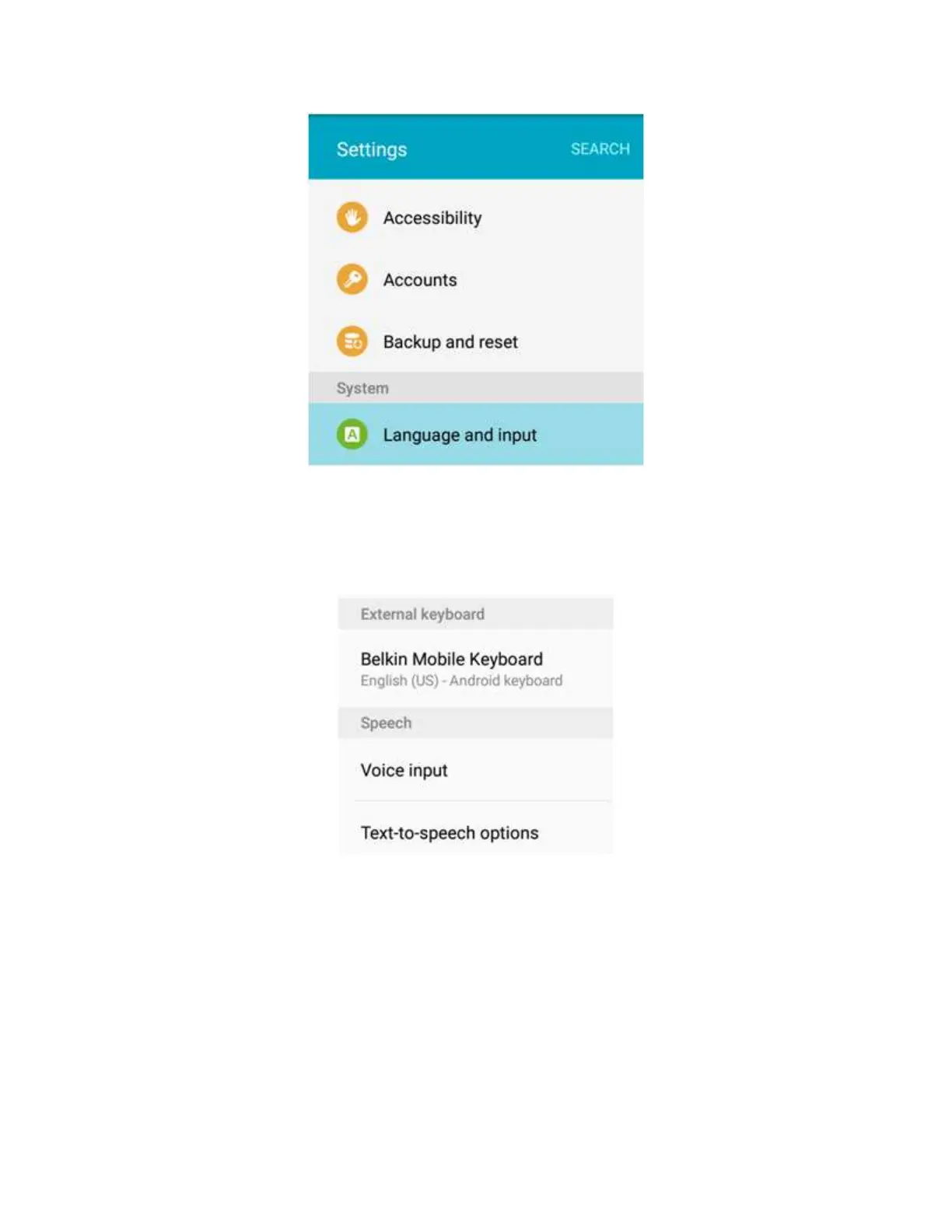
Step 3:
On the External keyboard section, tap Belkin Mobile Keyboard.
Step 4:
On the Select external keyboard type window, select the correct keyboard type.
NOTE: In this example, a German Android keyboard is selected. Alternatively, tap the SET
KEYBOARD TYPE option to add languages.


 To Next Page