CHOOSE A NETWORK...
Wi-Fi
Belkin12355
MyHomeWiFi
Garden
Wi-FiSettings
2-Year Limited Product Warranty
24/7 Customer Support†
† Customer support is available in English 24 hours a day, seven days a week.
Hours of operation for other languages vary and can be found at belkin.com/us/support.
Easy browser-based setup
Browser-based setup without CD makes router installation easy
using a tablet, smartphone, or computer.
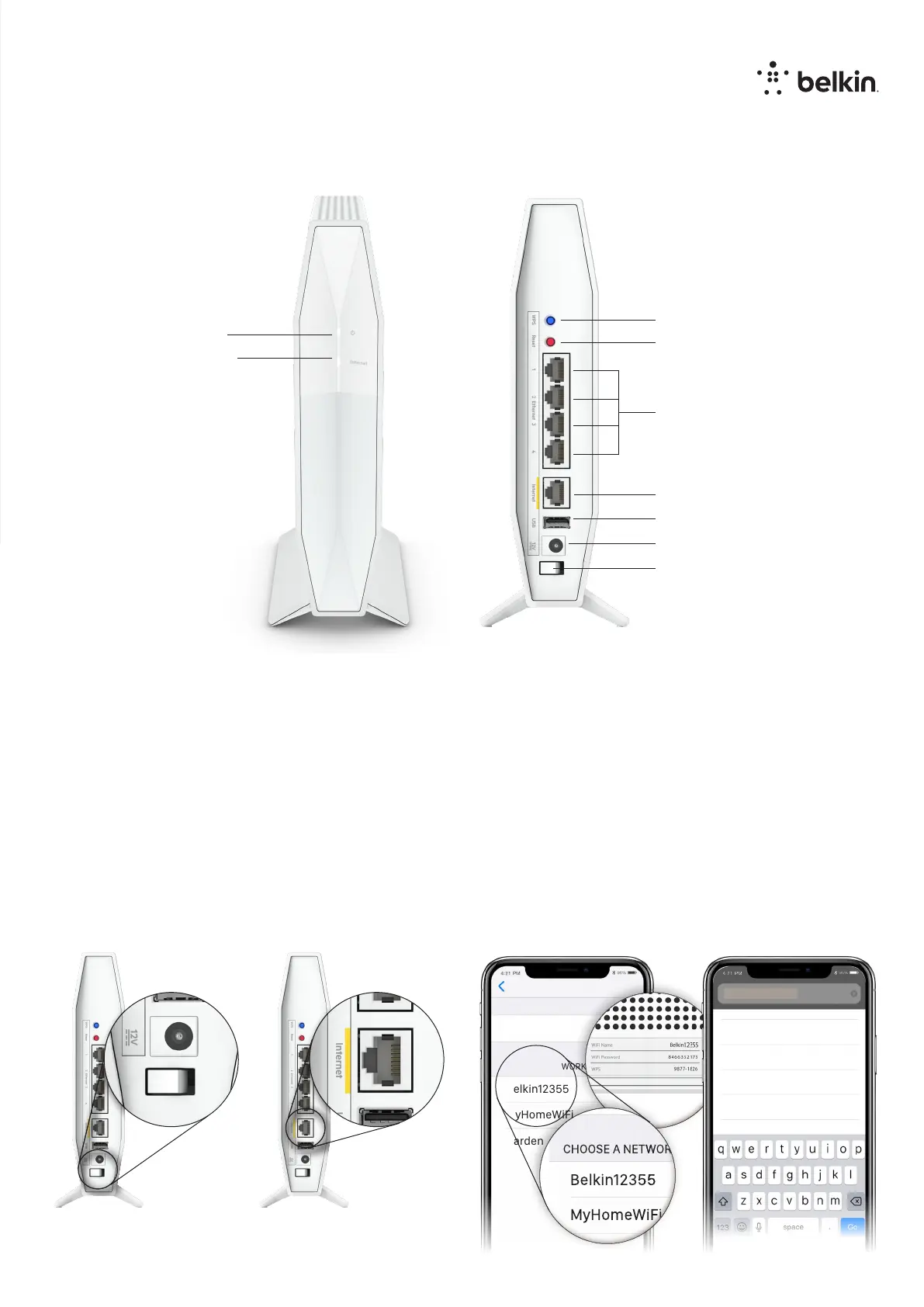
1. Power up and switch on
the RT3200.
3. Connect to the unique secure
WiFi shown on the bottom of
your router.
2. Connect the RT3200 to your
modem or modem-router.
4. In a browser open
myrouter.local and follow
the instructions
4 Gigabit LAN Ports
Gigabit WAN Port
12V DC Power
USB 2.0 Port
Power Switch
Reset Button
Internet LED
WPS Button
Power LED
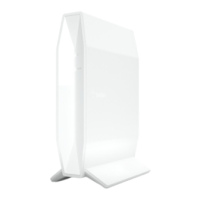
WiFi 6 Dual-Band Router
AX3200
Model: RT3200
Product details
myrouter.local
Find “http://myrouter.local


 To Next Page