8
TuneBase
™
Direct with Hands-Free Quick Start Guide
The TuneBase has a built-
in microphone that lets you
talk without a headset. The
caller’s voice will play through
your car stereo speakers.
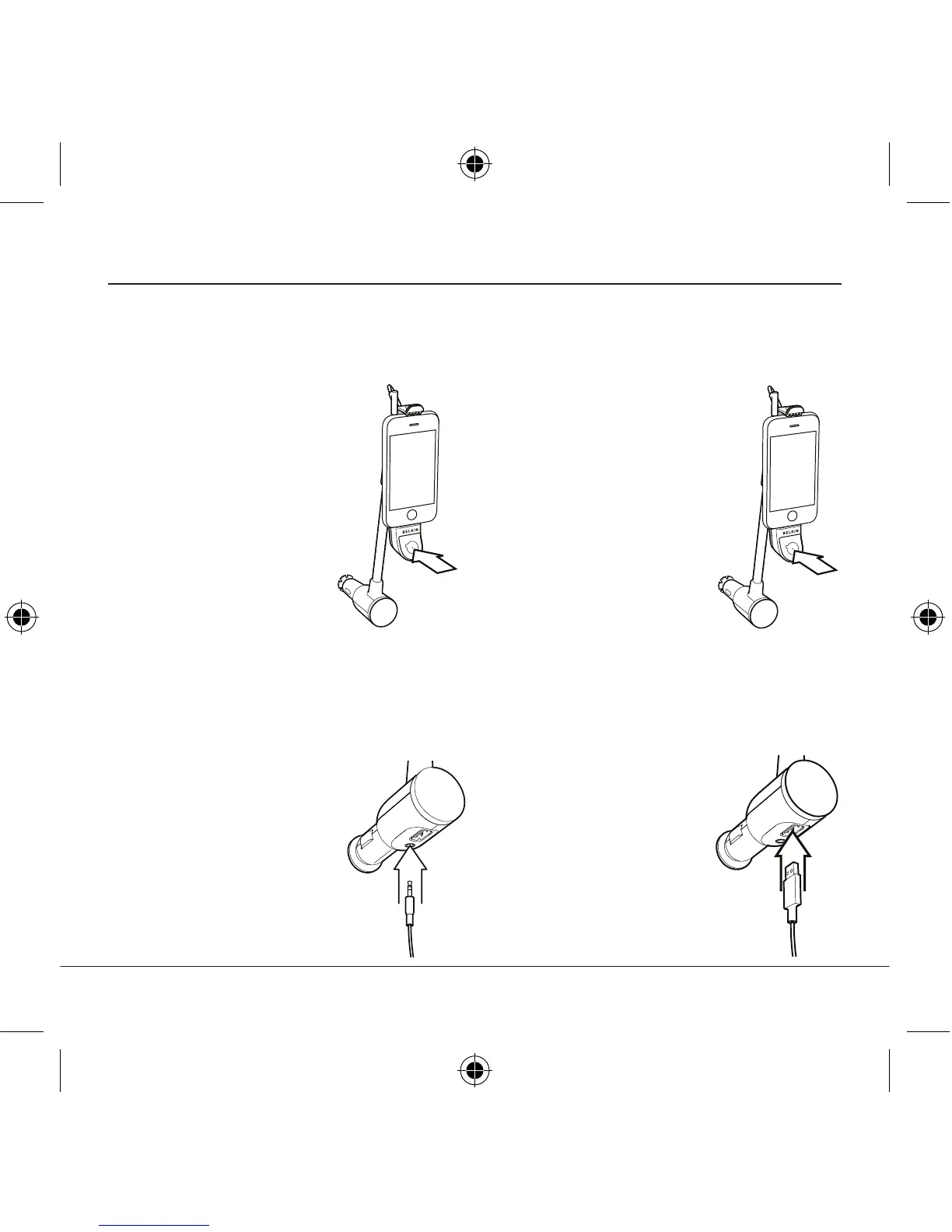
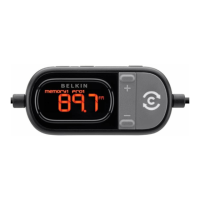
1. Press the Multifunction button
to receive an incoming call.
2. Press the Multifunction
button again to hang up.
Your music will resume
when the call ends.
Receive Calls
press the Multifunction
button once.
press the Multifunction
button twice.
track, press the
Multifunction button
three times.
Play Music
Use the USB port on the bottom
of the TuneBase to charge
USB-powered devices such as
MP3 players and GPS units.
Charge Other USB Devices
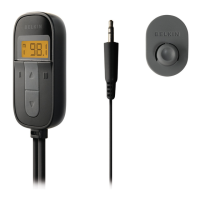
The 3.5mm audio-out jack
on the TuneBase lets you
connect to the aux-in jack
on your car stereo. You can
also use the jack to connect
to your car’s cassette
tape player using a tape
adapter (sold separately).
Connect to Your Stereo Using
the Audio-Out Jack



 To Next Page