6
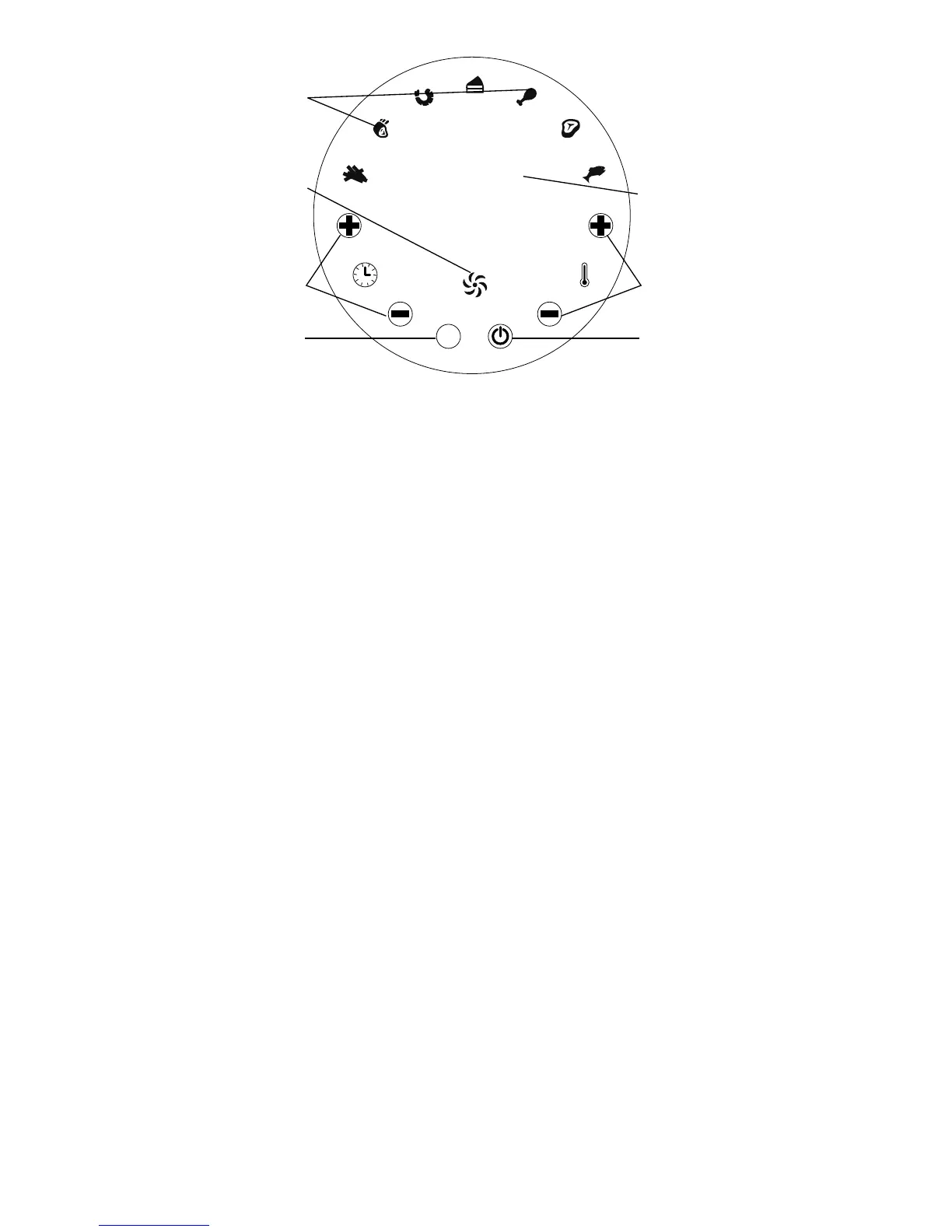
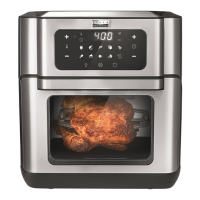
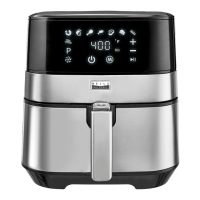
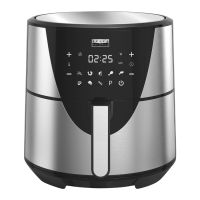
Touchscreen Control
Power Button
Once the Outer Basket and Fry Basket are properly placed in the Main Unit Housing, the Power Button will
be illuminated. Selecting the Power Button one time will set the Unit to a default temperature of 370° F,
and the cooking time will be set to 15 minutes. Selecting the Power Button a second time will start the
cooking process. Pressing the Power Button during the cooking cycle will turn the Unit off. The White Fan
Icon will continue to ash for 20 seconds.
Timer Control Buttons
The + and - symbols enable you to add or decrease cooking time, one minute at a time. Keeping the button
held down will rapidly change the time.
Temperature Control Buttons
The + and - symbols enable you to add or decrease cooking temperature 10°F at a time. Keeping the button
held down will rapidly change the temperature. Temperature control range: 180°F – 400°F.
Preset Button
Selecting the M Preset Button enables you to scroll through the seven Preset Buttons. Once selected,
the predetermined time and cooking temperature function begins.
Note: You can override the Preset function by increasing or decreasing Time and Temperature manually
Preset Choices
Seven Presets to choose from: French Fries, Roast, Shrimp, Bake, Chicken, Steak, and Fish.
Time and Temperature
This display will keep track of the temperature and remaining cook time.
White Fan Icon
The ashing, White Fan Icon will appear when the Unit is turned on and for up to 20 seconds after it is
turned off.
M
Min
400
ºF
Power Button
Timer Control Buttons Temperature Control Buttons
Preset Button
Preset Choices
Time and Temperature
White Fan Icon


 To Next Page