USING THE HOB - INDUCTION
Before using your hob
It is recommended that you clean and
wash the hob surface before using for the
rsttime.Applyathincoatofceramic
hob cleaner to the hob to maintain and
protect it. See the customer care section
for details of how to obtain all the avail-
able cleaning products.
TOUCH CONTROLS
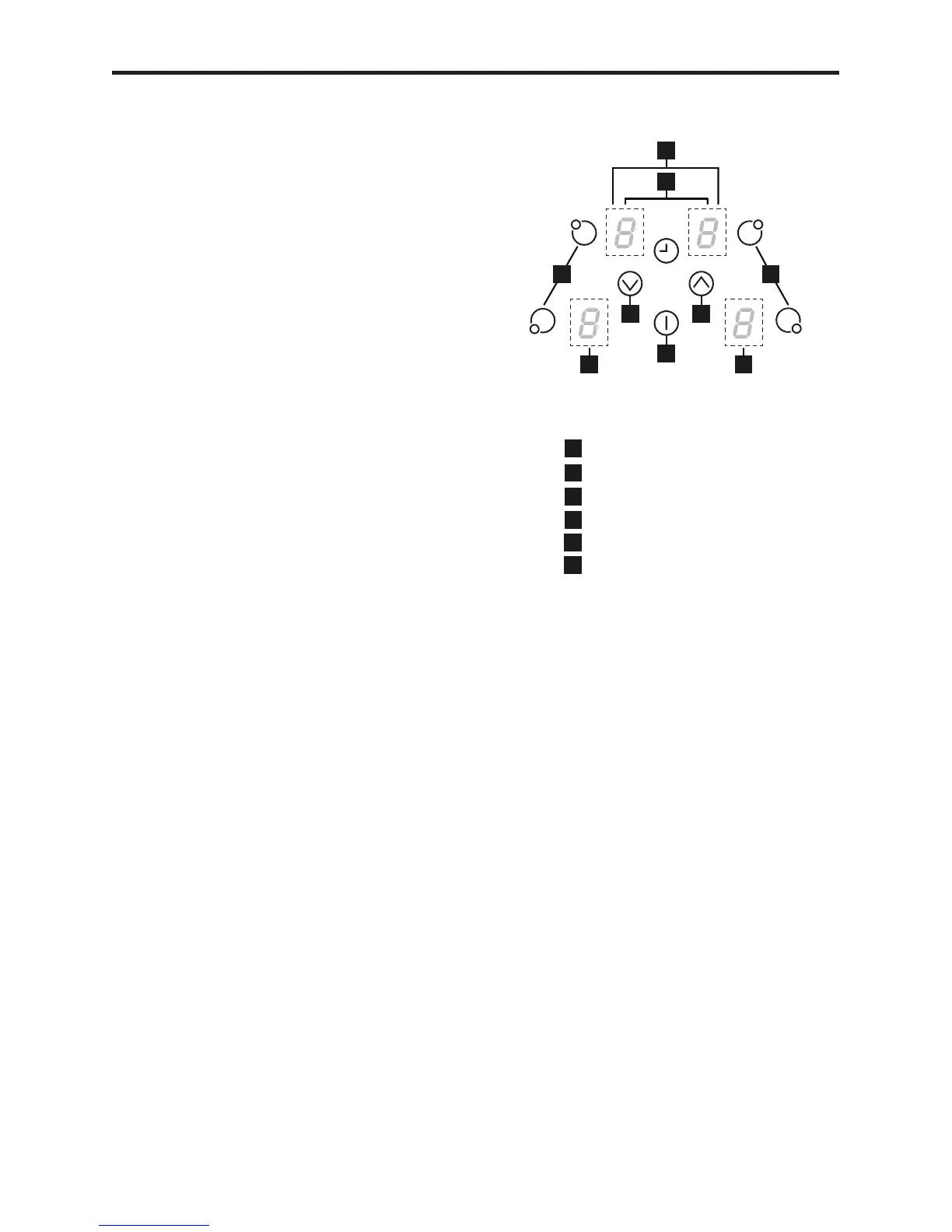
The touch controls for your induction hob
have been designed to provide you with
ngertipcontrolofyourhob,providing
accurate and repeatable power settings
for cooking and an easy clean surface
that can be easily wiped over. When a
cook zone is activated the power setting is
displayed for each zone individually.
Using the Touch Controls.
Usetheatofyournger,notthetip,the
controls respond to touch, so you don’t
need to apply any pressure.
Always ensure the control area is clean,
dry and free from of any objects (e.g.
utensils, tea towels and cloths), spillages
andwatermaymakethecontrolsdifcult
to operate.
A warning will be activated and will beep
to attract your attention. ER03 will be
displayed and the control will switch off
after 10 seconds. Please remove any
objects and clean the control area as ap-
propriate.
Basic Control Functions
Child Lock “L”
This feature is to help prevent accidental
switching on of the hob, especially by
young children.
To Activate:
1) Select the On/Off Key.
2) Simultaneously touch the right hand
front (RHF) cook zone and the down [-]
key, the hob should beep.
3)RemovengersandtouchtheRHF
cook zone again. (L should appear in all
the cook zone displays).
4) Switch off the hob.
When you now switch on the hob “L” will
appear in all the cook zone displays. The
child lock feature will be permanently acti-
vated, to de-activate follow the procedure
below.


 To Next Page
 Loading...