Need help?
Do you have a question about the Belrobotics Big mow BM 2050 and is the answer not in the manual?
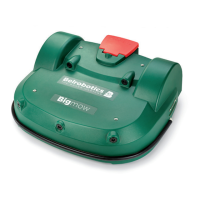
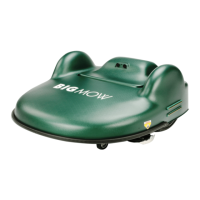
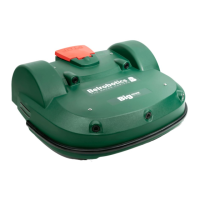
Describes the physical parts and functions of the robot, including STOP button, body, wheels, and cutting heads.
Details the components and function of the charging station, including charge arms and LEDs.
Details the emergency stop button and its access to the control interface.
Explains how sonar sensors detect obstacles and their parameters.
Describes the bumper as a pressure sensor for obstacle detection.
Details sensors that detect if the robot is lifted or displaced.
Describes the robot's primary operating states and modes.
Details how the robot mows grass in pattern or random modes.
Explains the process of the robot returning to its charging station.
Details how the robot connects and charges its battery.
Describes the robot mowing the edge of the working field.
Explains when the robot waits at the station after charging.
Details how the robot leaves the station and moves to its work area.
Explains robot behavior when stopped due to issues or manual halt.
Key safety precautions for operation, charging, and handling.
Explains the meaning of various warning symbols on the robot.
Identifies buttons, screens, and LED indicators on the robot's interface.
Lists commands available through menus like Actions and Settings.
Describes operations that can be performed via the Actions menu.
Details how to set schedule, cutting heads, cutting height, etc.
Details advanced settings typically for technicians.
Outlines daily, weekly, and periodic tasks for upkeep.
Instructions and tips for replacing cutting blades for optimal performance.
 General
| Brand | Belrobotics |
|---|---|
| Model | Big mow BM 2050 |
| Category | Lawn Mower |
| Language | English |

 To Next Page