9
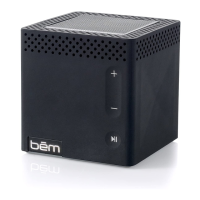
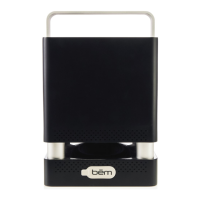
The below instructions will help you get the most use out of your EXO-400.
Power On/Off
Press the POWER button to turn on your EXO-400. A tone will sound
to indicate that the speaker has powered on and the blue Bluetooth
indicator LED directly below the
bēm
logo will ash rapidly.
Press the POWER button to turn off your EXO-400. No chime will sound
when the unit is turned off, but the Bluetooth light will stop ashing.
Music Control
1. On your EXO-400:
•
Press the PLAY/PAUSE button to play/pause your music.
•
Press the SKIP FORWARD button to move forward one track.
•
Press the SKIP BACKWARD button to move backward one track.
2. On your device: Play, pause, skip and otherwise control your music
as you normally would.
Operation Details


 To Next Page