49 Navigating the main menu
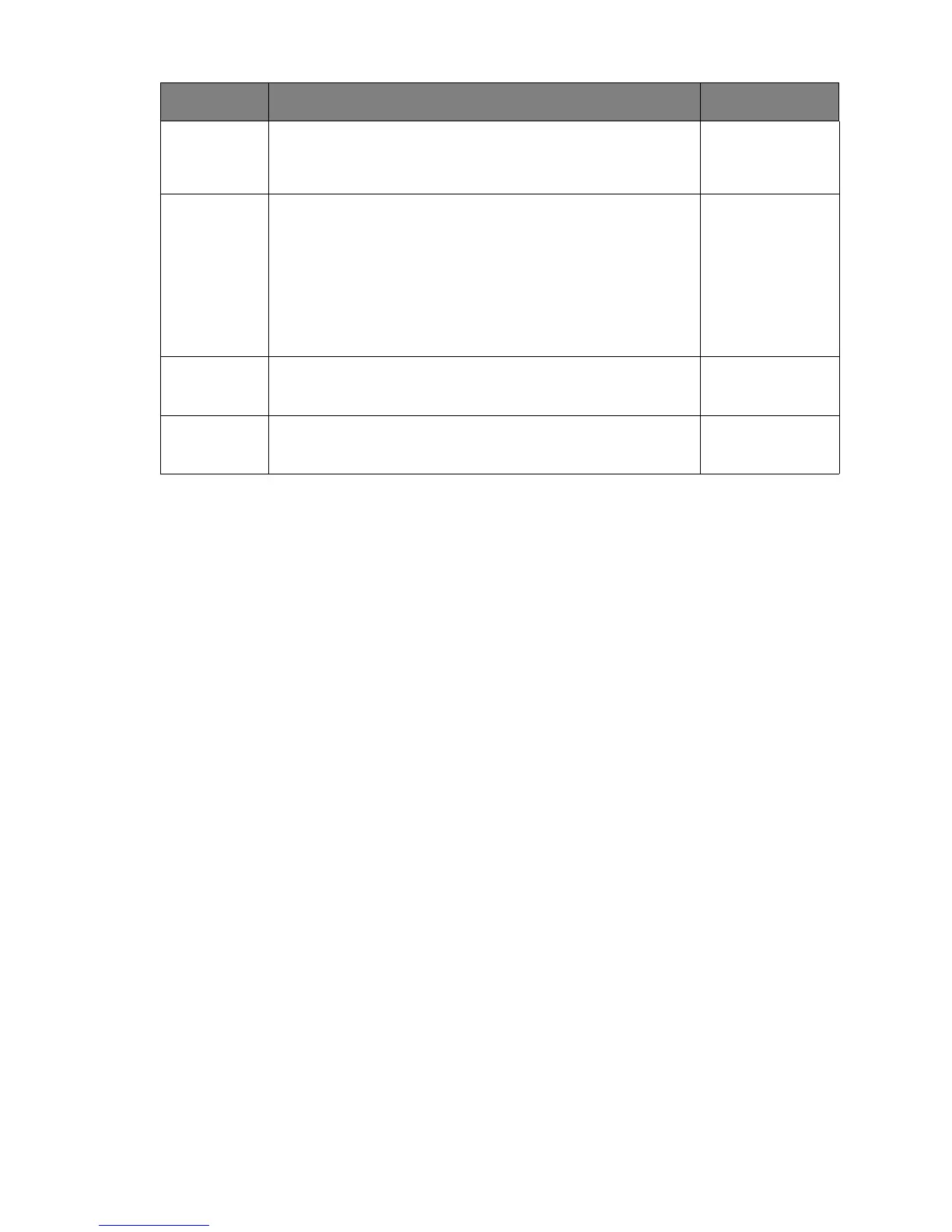
Resolution
Notice
Sets whether to display the resolution notice of the
recommended resolution when a new input source is
detected by the monitor.
• ON
• OFF
Information Displays the current monitor property settings.
• Input
• Current
Resolution
• Optimum
Resolution
(best with the
monitor)
DisplayPort Selects an appropriate DP standard for data transmission. • 1.1
• 1.2
Reset All Resets all mode, color and geometry settings to the
factory default values.
• YES
• NO
Item Function Range


 To Next Page