20 Getting the most from your BenQ monitor
Adjusting resolution
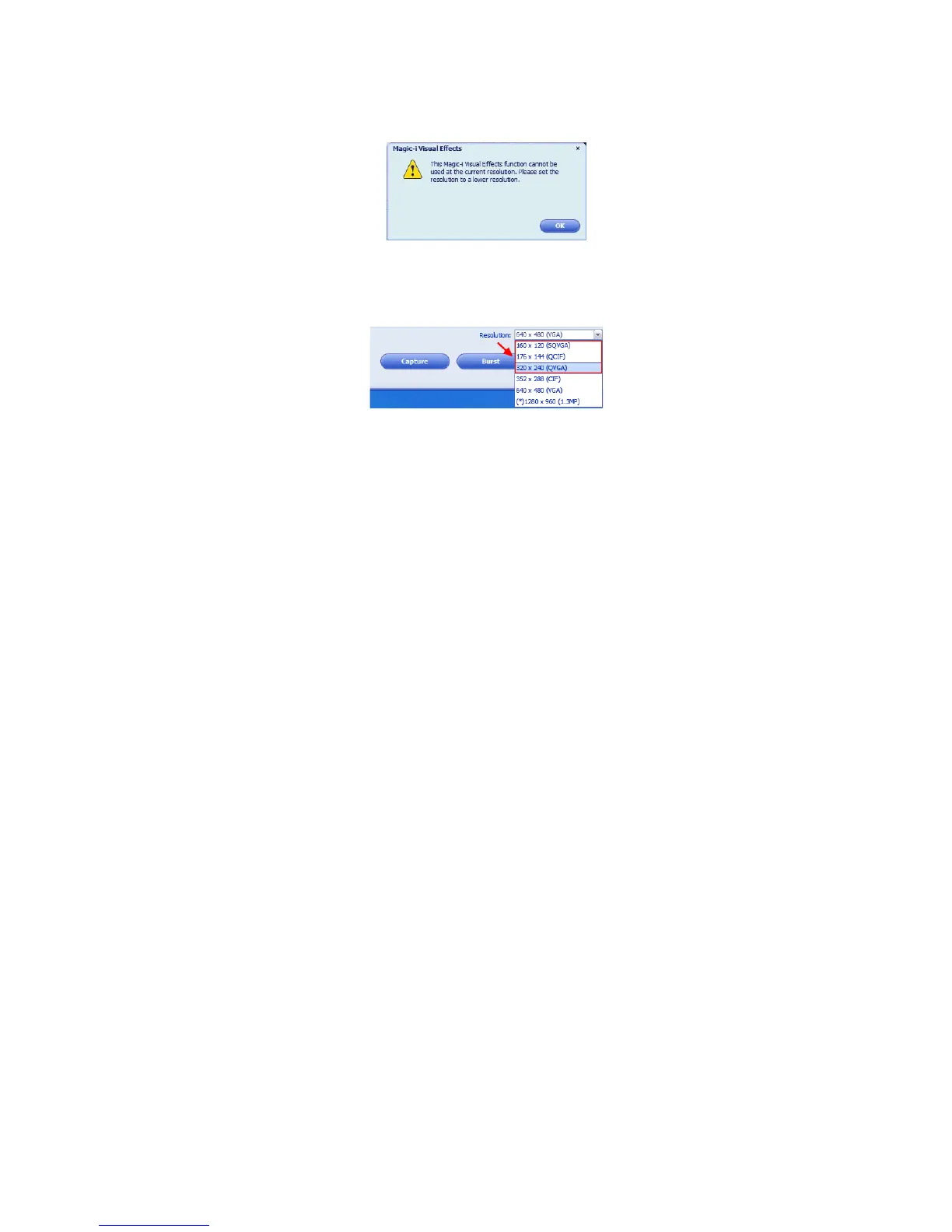
When the CPU performance is low, the message below may appear on the screen.
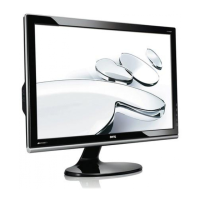
To make 'Magic-i Visual Effects' run correctly, please change the default resolution "640 x 480
(VGA)" to a lower one. You can select "320 x 240 (QVGA)", "176 x 144 (QCIF)", or "160 x 120
(SQVGA)".


 To Next Page