24 Starting up the projector
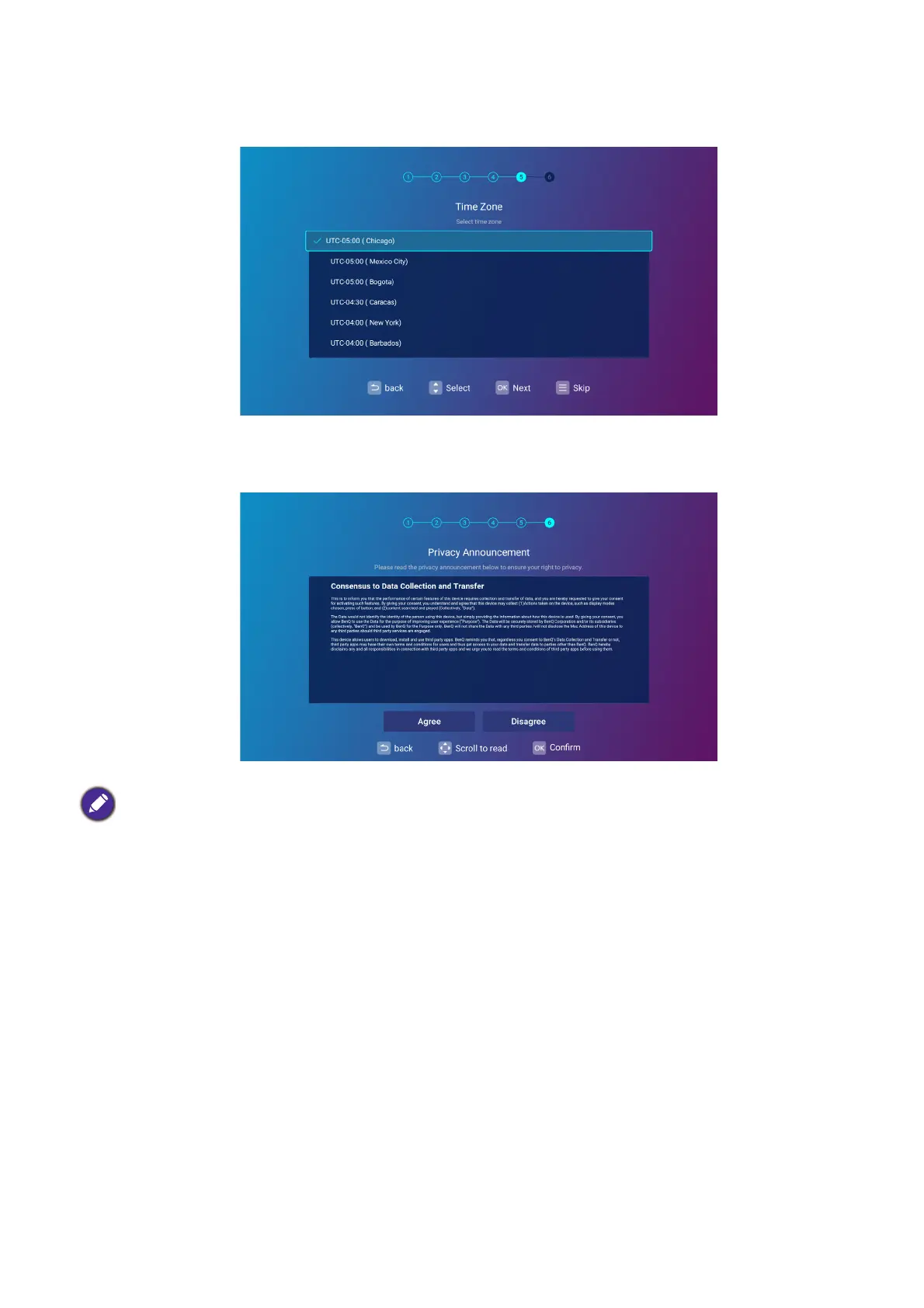
Step 5:
Specify Time Zone.
Step 6:
Read the Privacy Announcement and press OK to agree with the statement.
Once you’ve completed the setup wizard; you may start using the projector.
If at a future time you want to remove your consent to the privacy agreement, you may do so in the General >
About > Privacy Announcement menu of the BenQ Launcher Settings menu. See About on page 53 for
more information.












 To Next Page