49 Operation (under Launcher source)
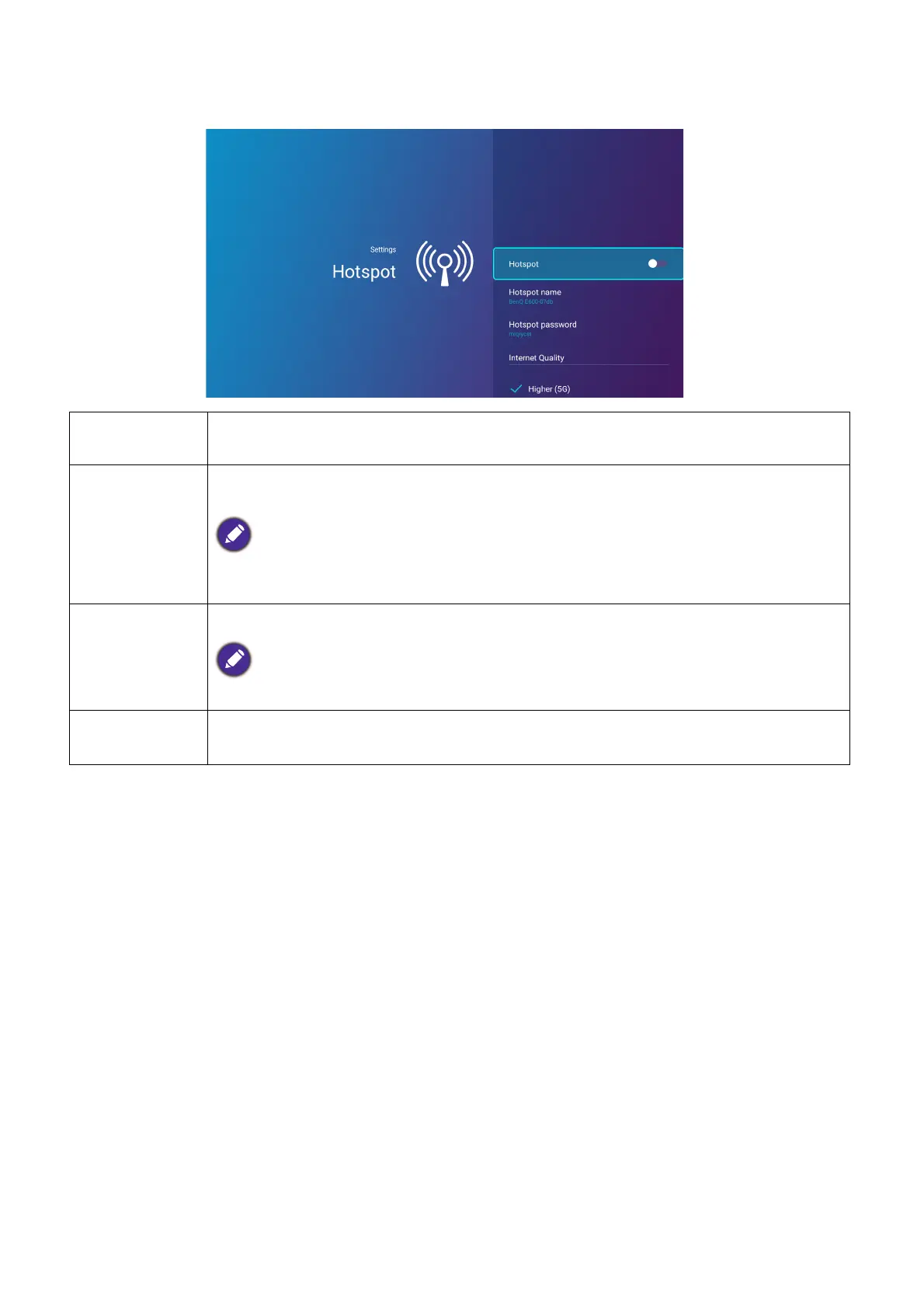
Hotspot
Hotspot
Enables wireless hotspot for the projector, allowing other devices to connect to the
projector directly. See Wireless Hotspot on page 35 for details.
Hotspot
Name
Sets the name for the projector’s wireless hotspot, which appears in the wireless
network list for devices looking to connect directly to the projector.
The default name for the projector’s wireless hotspot is "BenQ E600-xxxx". The final four digits are
the last four digits of its MAC Address.
Hotspot
Password
Sets the password for the projector’s wireless hotspot.
The password needs to be at least 8 characters.
Internet
Quality
Sets the frequency for the projector’s wireless hotspot signal. Available options
include Higher (5G) and Normal (2.4G).












 To Next Page